











Lost your gate remote? Open your gate from your phone

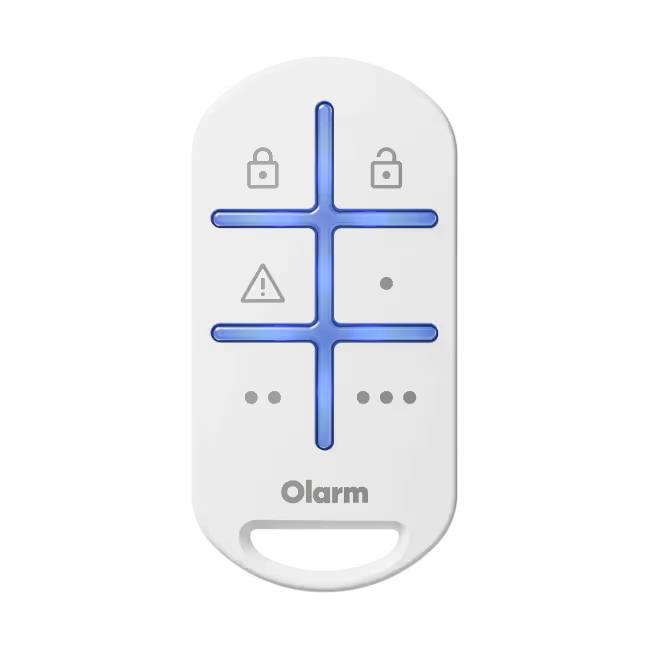
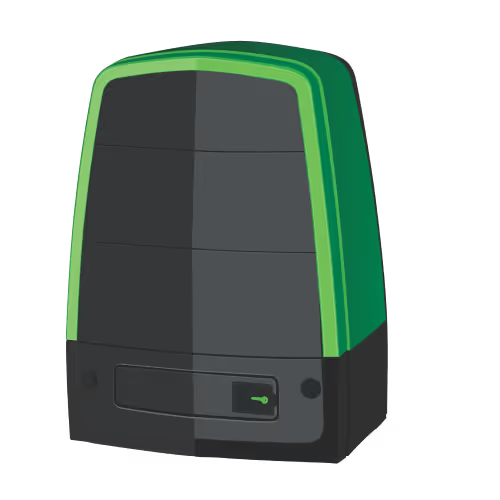
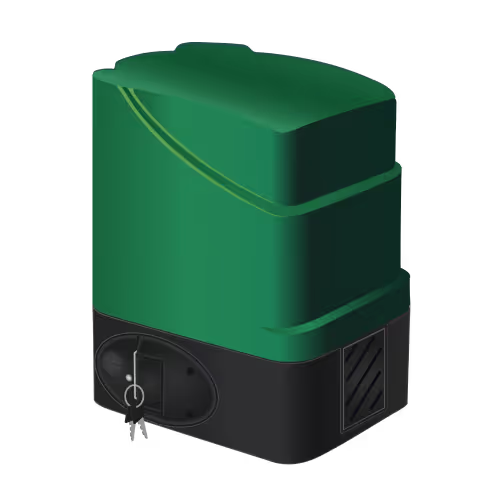
If you lose a gate remote, remove it from your gate motor's receiver straight away so nobody else can use it, then code in a replacement. You can also stop relying on gate remotes and open your gate from your phone, which also lets you give family, staff and visitors access without handing out remotes.
Lost or stolen gate remote: remove it from the receiver first
A gate remote is a key to your property. If it's lost or stolen, whoever has it can open your gate until the remote is removed from the receiver in the gate motor.
- Delete the lost remote. Most receivers can delete a single remote, as long as you know which button or memory slot it used. Your gate motor's manual explains how.
- If you can't delete one, clear them all. Wipe the receiver's memory, then re-code every remote you still have. It takes a few minutes per remote.
- Ask your installer if you're unsure. They can do it quickly, and check the receiver at the same time.
Replacing and coding a gate motor remote
A replacement remote must match your receiver's brand and system, so take an old remote or the receiver model with you when you buy. Coding a new remote usually means pressing the learn button on the receiver, then the remote's button. Your gate motor's manual has the exact steps.
Copied or duplicated remotes are sold too, but many modern remotes use rolling codes that change every time you press the button, so they can't simply be copied. A remote coded straight into your receiver is the safer option.
Why gate remotes stop working
- Flat remote battery. The range shortens before the remote dies completely. Replace the coin cell first.
- Receiver or aerial problems. A loose or damaged aerial cuts the range for every remote.
- Interference. Other transmitters nearby can block the signal. If every remote struggles at the same spot, this is a likely cause.
- A weak gate motor battery. The remote works, but the motor can't move the gate. Read our gate motor battery guide to check.
- Wear and tear. Buttons wear out and remotes get dropped. A remote that only works when you press hard is near the end.
Open your gate from your phone instead
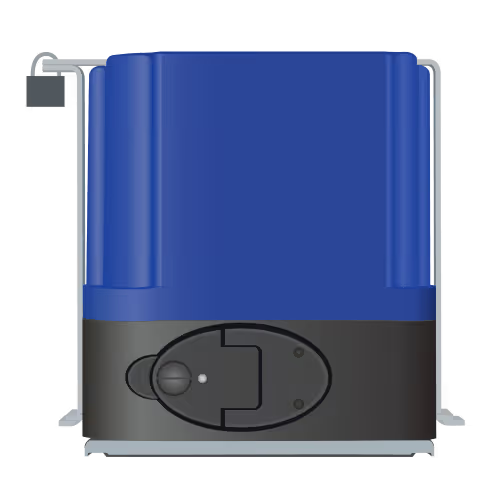
With Olarm, your gate becomes a button in the Olarm APP. There's no remote to lose, and you can open the gate remotely from wherever you are: when visitors arrive, a delivery driver is waiting or the kids are home before you. An installer connects your gate motor in one of these ways:
- Olarm MAX: if you have an existing alarm, Olarm MAX connects to it and its IO output triggers your gate motor. Your alarm panel's PGM outputs can also be used. Because Olarm MAX works over 4G as well as WiFi, the gate button keeps working when your home internet is down.
- Olarm HUB: on an Olarm ONE wireless alarm, the Olarm HUB's IO triggers the gate.
- Olarm PRO with Olarm LINK: already have an Olarm PRO? Add an Olarm LINK and it can open your gate from the app too.
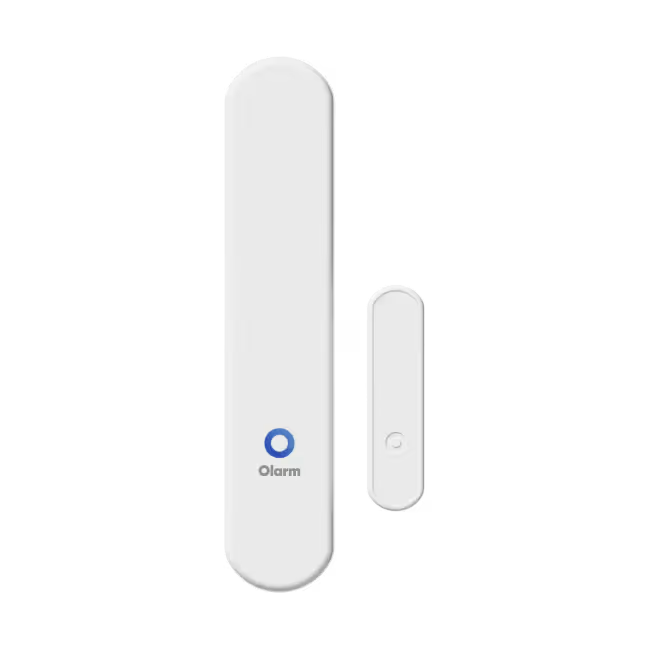
- Olarm ENTRY with Olarm CONNECT: Olarm ENTRY with Olarm CONNECT links a gate or garage door to the system wirelessly.
Your installer will check which option suits your gate motor.
Know what your gate is doing
Opening the gate is only half of it. Depending on your gate motor and which Olarm communicator you have, Olarm can also report on the gate itself:
- Open and closed: see whether the gate is open or closed, and get an alert when it opens or closes. No more driving back to check.
- AC fail: know when the gate motor loses mains power and is running on its battery.
- Tamper: get an alert if someone tampers with the gate motor.
- Loss of power: Olarm MAX has a small built-in supercapacitor that keeps it running for about two minutes after its power goes, long enough to send a last warning. It may just be a power cut, but it can also mean someone has deliberately cut the power to your gate or is tampering with it, so it's worth a look.
Your installer can tell you which of these your gate motor supports.
Installer? Olarm Academy has free online courses on gate control: the Olarm MAX Course, and the Olarm LINK Installation Course, which includes lessons on gate and garage motors.
Give temporary access without handing out remotes
Remotes are hard to get back from a contractor or a house-sitter. In the Olarm APP you can add secondary users with an end date. Their access stops automatically on that date, and you can remove them at any time.
You can also get zone activity alerts and set scheduled reminders, so you know when people come and go, even when the alarm is disarmed.
Frequently asked questions
Can I copy my gate remote?
Some older remotes can be copied, but many modern remotes use rolling codes and can't be. Coding a new compatible remote into your receiver is more reliable.
What should I do first if my gate remote is stolen?
Remove it from your gate motor's receiver. If you can't delete one remote on its own, clear the receiver and re-code the remotes you still have.
Does opening my gate from my phone work in a power cut?
The gate motor runs on its own battery during a power cut, so it can still open while that battery has charge. Olarm MAX connects over 4G as well as WiFi, so it doesn't depend on your router staying on. And if Olarm MAX itself loses power, a small built-in supercapacitor keeps it going for about two minutes, long enough to warn you that the power is off.
Can I give a visitor access for one day?
Yes. Add them as a secondary user in the Olarm APP with an end date, and their access stops automatically.
Ready to stop carrying gate remotes? See how Olarm MAX opens your gate from your phone.
Recent news
Why does my alarm app say offline? A home checklist
Wireless vs wired alarm systems: which suits your home?