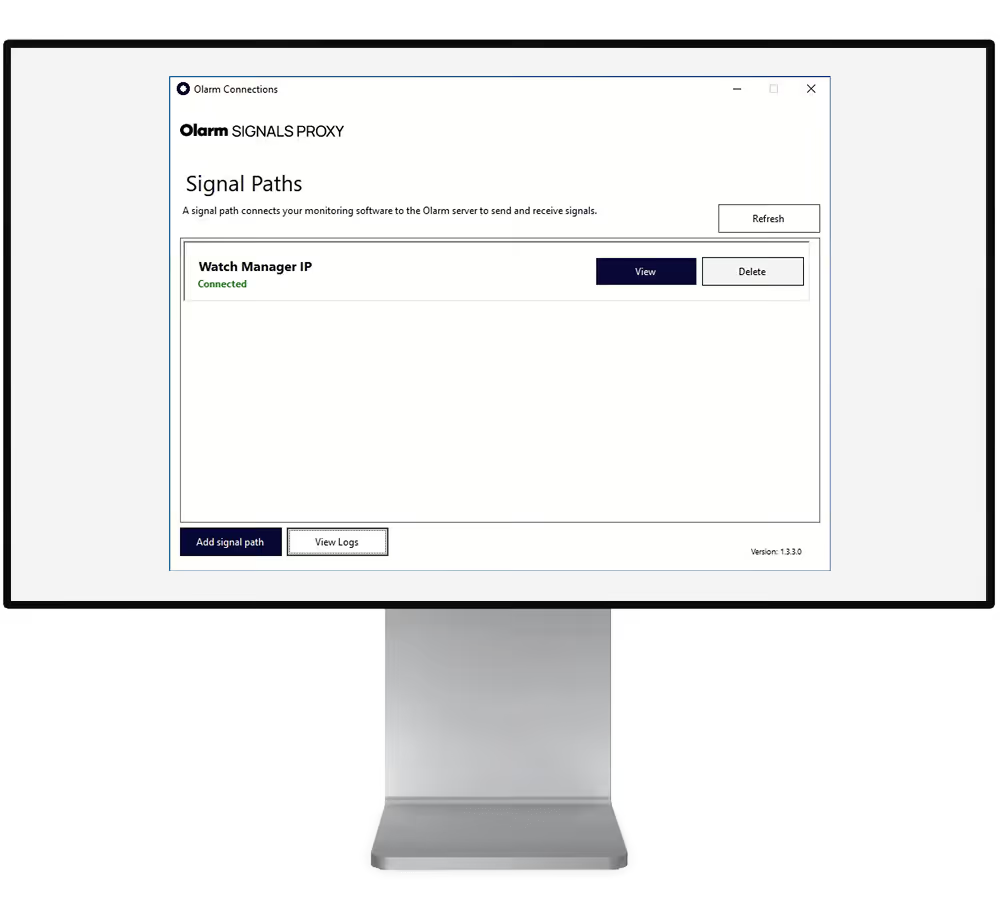

Smooth gradient background transitioning from dark blue at edges to bright royal blue in the center.

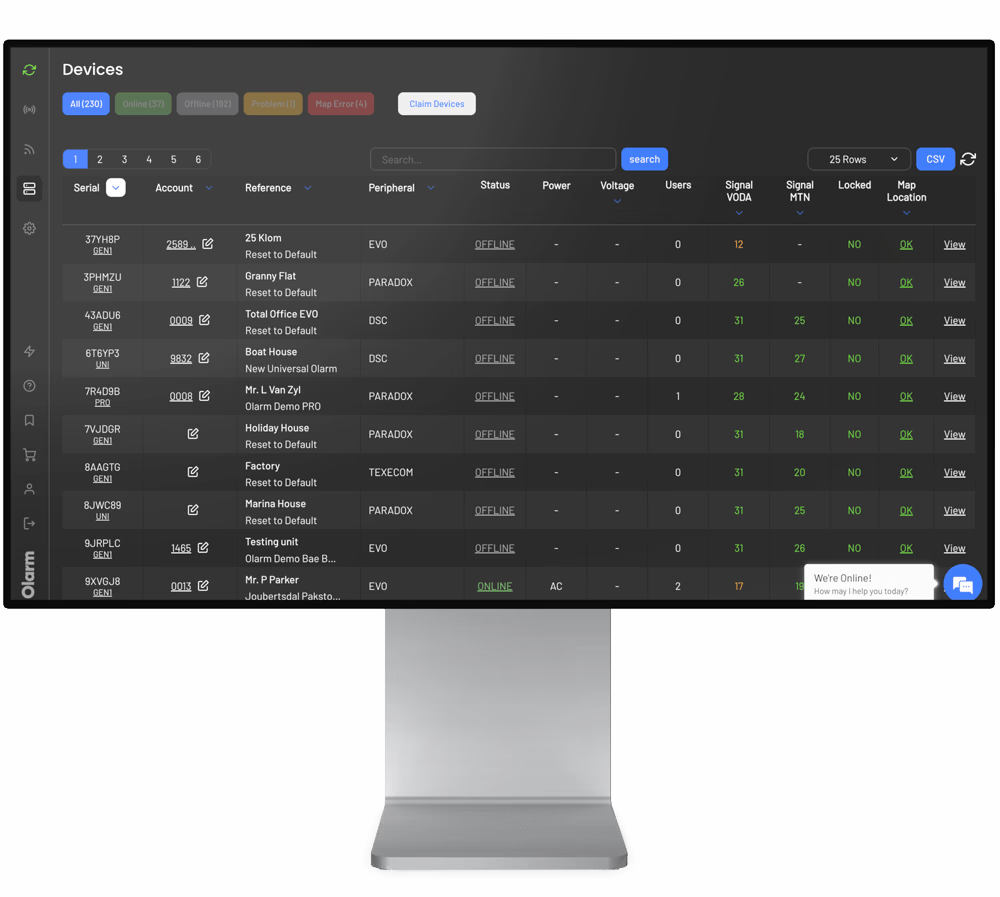
Remote access to the panels you manage

Change configurations, read event logs, and troubleshoot from your desk.
Learn More
Contact Sales
We're trusted by leading armed response companies
BLOEMSEC company logo with the tagline 'Safe in our hands'.
Alpha Security logo with stylized wings and shield featuring a star.
BYERS Security Solutions logo with a stylized B and bold uppercase text.
Shield logo with the text Community Active Protection CAP and 'At Home' underneath.
CDF logo
Marshall Security logo with a five-pointed star in the center encircled by the company name.
MID ALARMS logo with the tagline 'Keeps an eye on your interests'.
SJC Security Services logo with shield emblem containing the letters SJC and a star symbol.
MSEC Security logo with a stylized 'S' in an oval shape.
Star Alarms logo with a five-pointed star inside a circle to the left of the bold word STAR and the word ALARMS in italic.
BLOEMSEC company logo with the tagline 'Safe in our hands'.
Alpha Security logo with stylized wings and shield featuring a star.
BYERS Security Solutions logo with a stylized B and bold uppercase text.
Shield logo with the text Community Active Protection CAP and 'At Home' underneath.
CDF logo
Marshall Security logo with a five-pointed star in the center encircled by the company name.
MID ALARMS logo with the tagline 'Keeps an eye on your interests'.
SJC Security Services logo with shield emblem containing the letters SJC and a star symbol.
MSEC Security logo with a stylized 'S' in an oval shape.
Star Alarms logo with a five-pointed star inside a circle to the left of the bold word STAR and the word ALARMS in italic.

Do more without leaving your desk

Save the site visit for installs that actually need you there.

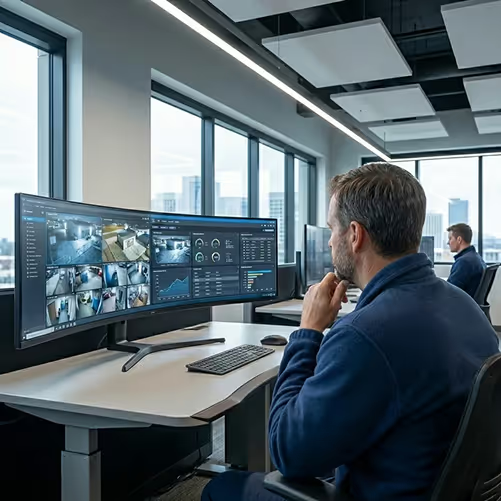
Man in blue sweater intently looking at a laptop screen in a dimly lit office environment.
Respond faster

Make configuration changes the same day they're requested.

Expand your reach

Take on clients outside your usual service area without adding travel time.

Secure by design

Sessions are recorded in Command Centre with timestamps and user details.

Reduce site visits

Handle routine changes remotely. Save the drive for installs that need hands-on work.
Use the tools you already know

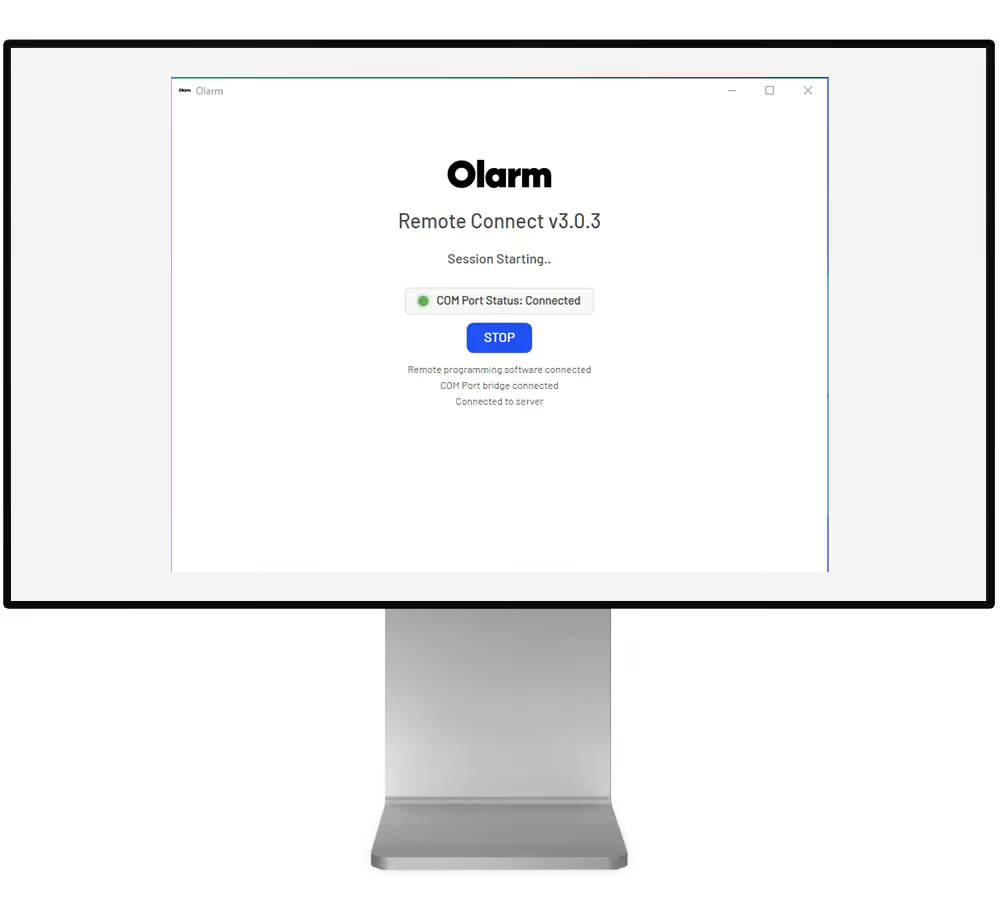
REMOTE CONNECT works with your existing UDL software. Same interface. Same workflow. Just connect remotely instead of on-site.

BabyWare (Paradox)

Wintex (Texecom)

IDSwift (IDS)

Honeywell Remote Servicing Suite (Honeywell)

Orisec UDL (Orisec)

Support more sites, spend less on tools

Whether you're an independent installer or an ARC with hundreds of panels, the workflow is the same.

No network setup required

No VPNs, no firewall rules, no port forwarding. If your PC has internet, you're ready to connect.

Every session is logged

Every session requires a one-time code and gets logged in COMMAND CENTRE.

Included for partners

REMOTE CONNECT is part of the Olarm partner ecosystem. No extra licenses or per-session fees.

Dark blue gradient background with a subtle glowing circular light effect.

Make the switch to
smart security

Become a Partner
Screenshots of Olarm APP

What partners want to know about Olarm

Answers to the questions we hear most.

Is Remote Connect secure?

Yes. Every connection requires a unique, time-limited code generated through Command Centre. All sessions are logged with full audit trails, and only authorized partners can generate access codes.

Does it work with Olarm MAX?

Yes. Remote Connect v2.02+ fully supports both Olarm MAX and Olarm PRO/PRO 4G devices. The older DeddyWare software only supports PRO—Remote Connect works with everything.

What happened to DeddyWare?

DeddyWare has been replaced by Olarm Remote Connect. It's no longer supported and doesn't work with Olarm MAX. We recommend all partners upgrade to Remote Connect.

Is there an extra cost?

No. Remote Connect is included as part of the Olarm partner ecosystem at no additional charge.