











Remote access to the panels you manage
Change configurations, read event logs, and troubleshoot from your desk.
Do more without leaving your desk
Save the site visit for installs that actually need you there.

Make configuration changes the same day they're requested.

Take on clients outside your usual service area without adding travel time.
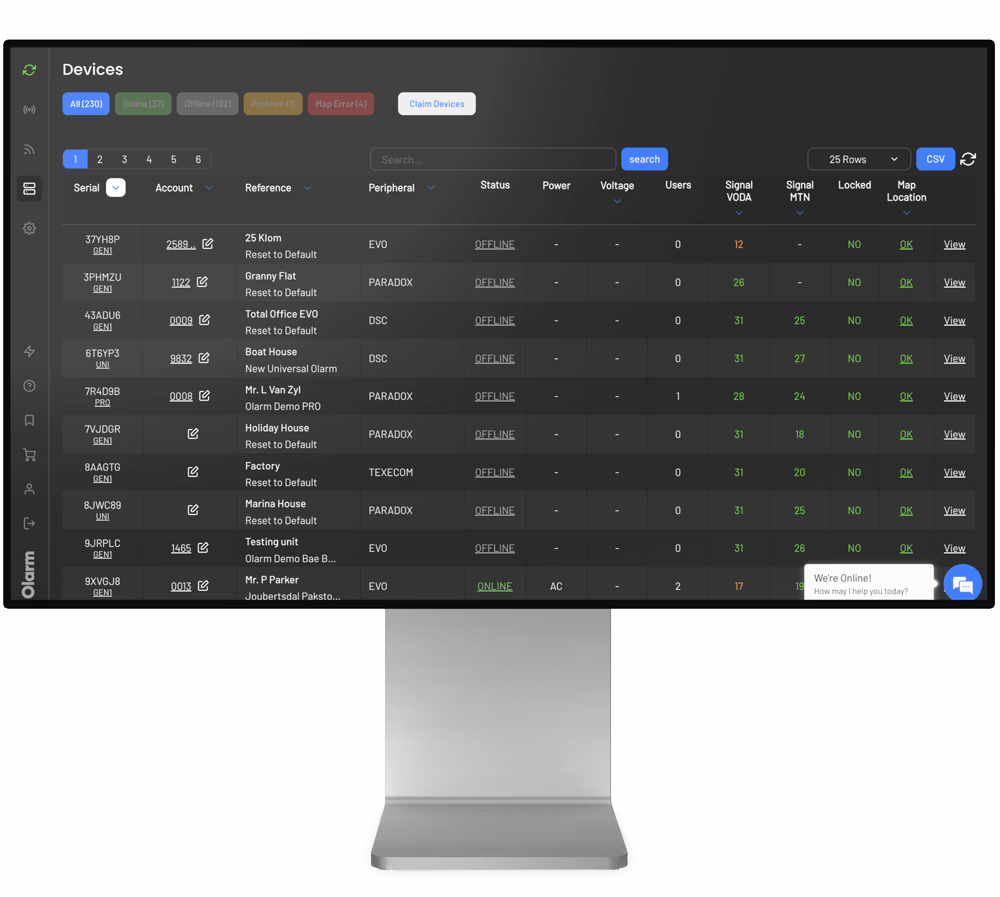
Sessions are recorded in Command Centre with timestamps and user details.

Handle routine changes remotely. Save the drive for installs that need hands-on work.
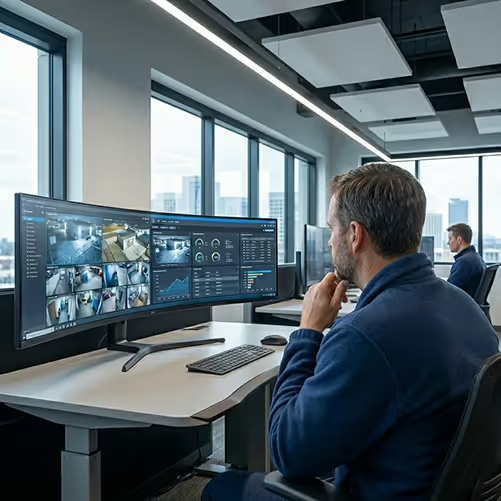
Use the tools you already know
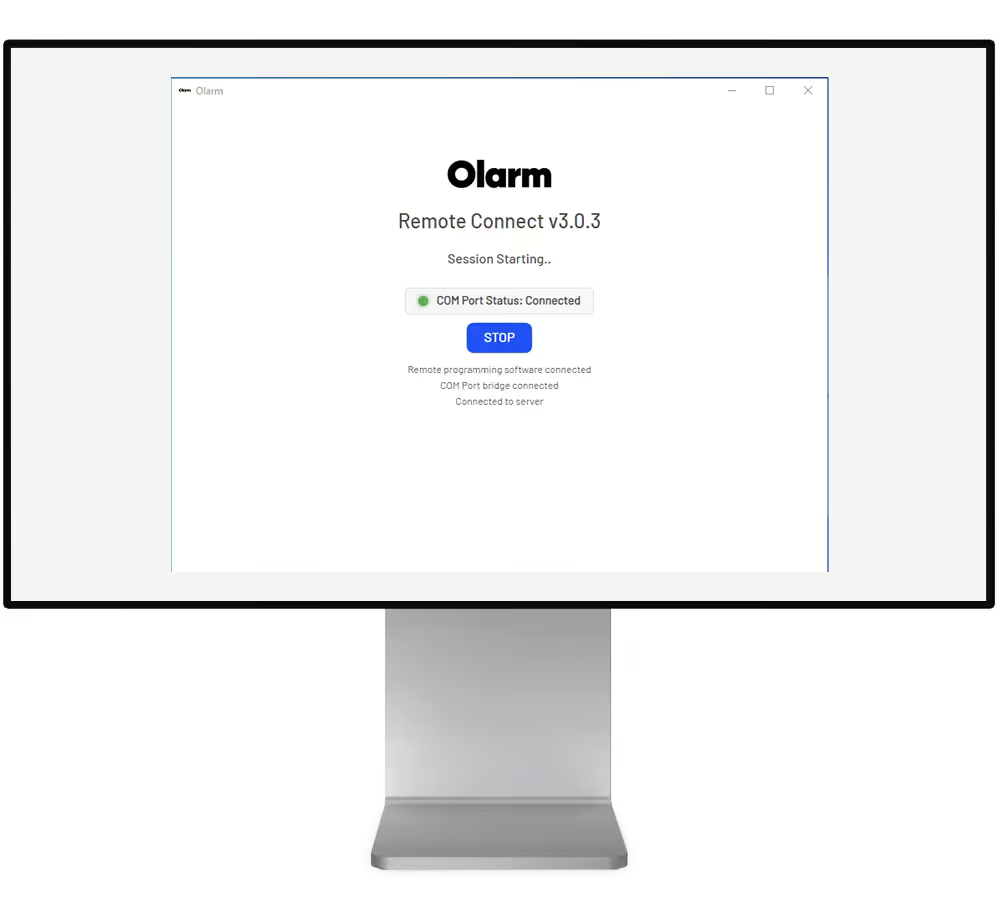
REMOTE CONNECT works with your existing UDL software. Same interface. Same workflow. Just connect remotely instead of on-site.
BabyWare (Paradox)
Wintex (Texecom)
IDSwift (IDS)
Honeywell Remote Servicing Suite (Honeywell)
Orisec UDL (Orisec)
Support more sites, spend less on tools
Whether you're an independent installer or an ARC with hundreds of panels, the workflow is the same.


What partners want to know about Olarm
Answers to the questions we hear most.
Yes. Every connection requires a unique, time-limited code generated through Command Centre. All sessions are logged with full audit trails, and only authorized partners can generate access codes.
Yes. Remote Connect v2.02+ fully supports both Olarm MAX and Olarm PRO/PRO 4G devices. The older DeddyWare software only supports PRO—Remote Connect works with everything.
DeddyWare has been replaced by Olarm Remote Connect. It's no longer supported and doesn't work with Olarm MAX. We recommend all partners upgrade to Remote Connect.
No. Remote Connect is included as part of the Olarm partner ecosystem at no additional charge.