


















Electric fence guide: how it works, what it costs and keeping it running

An electric fence is a set of bare wires carrying short, high-voltage pulses from an energizer. It deters intruders, and the energizer raises the alarm if the wires are cut, shorted or earthed. In South Africa, most homes use a wall-top fence powered by a Nemtek or JVA energizer. Any fence installed or altered after 1 October 2012 needs an electric fence system certificate of compliance, and you need one to sell a property with an electric fence on it.
How an electric fence works
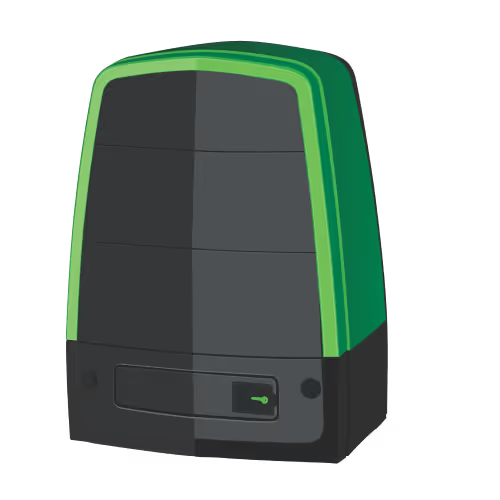
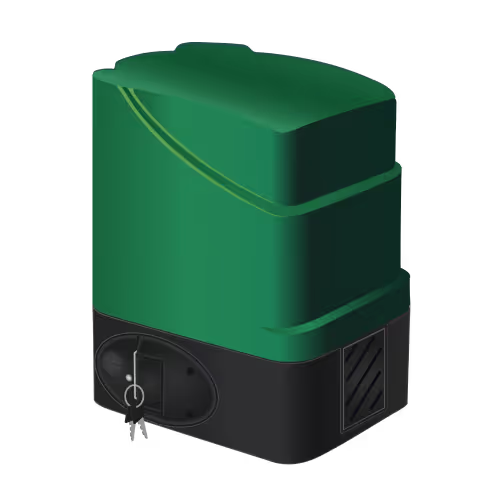
The energizer is the box that powers the fence. It sends a short pulse of several thousand volts down the live wires, repeated at regular intervals. The pulse is very brief and the current very low, so a touch gives a sharp shock that deters, rather than injures. Think of it as a very firm "no".
The pulse returns to the energizer through earth wires and earth spikes in the ground. Because the energizer checks every pulse, it notices when something changes:
- A cut wire stops the pulse coming back.
- A short, such as a wire touching the wall bracket or another wire, drops the voltage.
- Something touching the fence, such as a branch or a person, drains the voltage to earth.
When that happens, the energizer sounds its siren and, if it's connected, signals your alarm system or security company. Larger fences are split into sectors, so you can see which stretch of fence has the problem.
For most homes the fence is the first layer of defence. It raises the alarm while an intruder is still at the boundary, before they reach a door or window and before the indoor detectors ever see them. That extra time is what lets you and your security company respond early.
Energizer output is measured in joules. A higher joule rating can drive a longer fence line, but the regulations cap how much energy an energizer may deliver, so a fence can't legally be made more dangerous.
Wall-top, freestanding and perimeter fences
- Wall-top fences sit on brackets along the top of a boundary wall. They are the most common type on suburban homes.
- Freestanding fences run on their own posts. They are used on farms, smallholdings and industrial sites where there is no wall.
- Fences on palisade or mesh mount the wires on brackets fixed to an existing fence.
Every type needs a gate loop: an insulated section that lets the gate open without breaking the fence circuit.
What an electric fence costs
Electric fence prices vary a lot between properties, so a quote is the only reliable number (sorry, we wanted to give you one too). These are the things that drive the price:
- Length of the fence line, in metres.
- Number of strands and the height of the brackets.
- Type: wall-top is usually simpler to fit than freestanding.
- The energizer: its joule rating, display and number of sectors.
- Earthing and lightning protection, especially in rocky or dry ground.
- Labour and access: high walls, steep sites and corners take longer.
- Extras such as a siren, strobe, keypad and a link to your alarm or armed response.
- The certificate of compliance, which only a registered installer can issue.
Running costs are low: a backup battery every few years, trimming plants away from the wires, and an occasional service. Ask for at least two written quotes that list the length, number of strands, energizer model and whether the certificate is included.
The electric fence certificate
Regulation 12 of the Electrical Machinery Regulations, 2011, made under the Occupational Health and Safety Act, requires an electric fence system certificate of compliance (often called an EFC or fence COC). In short:
- Fences installed after 1 October 2012 need a certificate.
- A fence that is added to or altered needs a new one.
- If you sell a property with an electric fence on it, you need a certificate for the transfer. Conveyancers ask for it, so arrange it early to avoid delays.
- Only a registered electric fence installer with a certificate of competence can issue it.
- It is separate from the electrical certificate of compliance for the house.
- If the fence hasn't changed, the certificate passes to the new owner and doesn't expire.
This is a general summary, not legal advice. Read the summary of the regulations or ask your conveyancer about your own sale.
Common electric fence faults
- Low voltage from plants. Leaves and branches touching the wires drain the voltage and cause false alarms. Your bougainvillea is not on your side here, so trim regularly, especially in summer.
- Poor earthing. This is the most common cause of a weak fence. Dry ground, corroded earth spikes or a loose earth wire all reduce the shock and the energizer's ability to detect faults.
- Broken wires and insulators. A cracked insulator lets the wire arc to the bracket. You may hear clicking or see sparks at night.
- A flat backup battery. Power cuts drain the battery. If the fence stops during an outage, or the energizer reports a low battery, it's time to replace it.
- Repeated alarms in wind. Loose or slack wires can touch each other. Re-tension them rather than lowering the sensitivity.
How to maintain your electric fence
An electric fence needs about as much attention as your garden, mostly because of your garden. A quick routine keeps it working:
- Turn the fence off first. Use the keypad, or turn it off in the Olarm APP, so whoever is working on it doesn't get a surprise.
- Trim shrubs and trees around it. Cut back anything growing towards the wires and leave a gap, because plants grow faster than anyone expects.
- Check the wires are clipped into the bobbins. Each wire should sit firmly in the insulator, or bobbin, on every bracket. A wire that has popped out can touch the bracket and drain the fence.
- Turn the fence back on and check that the app or the energizer shows it's on with no faults.
- Call your installer if anything needs attention, such as a broken wire, a cracked bobbin or a fault you can't clear.
Is your fence alarm driving the neighbours mad?
A branch moving in the wind or a wire touching a bracket can set the fence siren off again and again, often while nobody is home. The neighbours hear it long before you do, and the neighbourhood WhatsApp group will make sure you know about it.
With Olarm MAX connected to your energizer, you get an alert on your phone as soon as the fence goes into alarm, and you can deal with it from wherever you are:
- See what set it off. The live event log shows which zone went into alarm and when, and if a camera covers that stretch of fence, you can watch the footage in the app.
- Bypass the problem zone, so the siren stops and the rest of your alarm stays armed.
- Switch to low-voltage mode or turn the fence off until someone can fix it, then turn it back on from the app.
The street gets its peace back, you stay in the WhatsApp group's good books, and you can have the fault fixed when it suits you.
How to test your electric fence
Test your fence once a month, and after storms or garden work. You don't need to touch a wire to do it.
- Check the energizer or the app. The energizer's display or lights show whether the fence is on, its voltage and any fault. With Olarm, the Olarm APP shows the same status from anywhere.
- Measure the voltage. A digital fence tester held against each strand shows the voltage at that point. Test near the energizer and at the far end of each zone: a big drop along the line points to plants, a poor joint or a failing insulator in between.
- Walk the fence line. Look for plants touching the wires, cracked insulators, slack wires and damaged brackets. At night, listen for clicking and look for sparks.
- Check the earth. Make sure the earth spikes and earth wires are firmly connected and not corroded.
- Test the alarm with your security company. Tell their control room before you trigger a test, so they don't send a vehicle. Leave shorting or cutting tests to your installer.
Never test a fence by touching it or bridging the wires with a screwdriver or other tool. Yes, someone always asks.
If something is wrong, you can act on it from the Olarm APP straight away. Bypass the fence so the rest of your alarm stays armed without repeated false alarms, or switch it to low-voltage mode, which still monitors the wires but doesn't deliver a shock, until your installer fixes the fault. Olarm MAX can also send the fence's signals straight to your security company's control room, so they see alarms and faults as they happen, not only you.
Fences near schools, pavements and other public areas
Electric fences in South Africa must be installed to SANS 10222-3, the national standard for electric fence systems. Where the public can reach a fence, the live wires must start at least 1.5m above the ground, unless a separate barrier stands in front of them.
That matters for schools, parks, sports fields and properties on a busy pavement, where the fence itself often runs down to ground level. Below 1.5m the wires can't carry high-voltage pulses, but they can still be monitored:
- Low-voltage monitoring sends pulses under 50V along the lower wires. Nobody gets a shock, but cutting or shorting a wire still sets off the alarm.
- High voltage above 1.5m can still run on the upper part of the same fence, powered by a normal security energizer.
The Nemtek Druid D20 is a low-voltage fence monitor made for this. It uses pulses below 50V, is designed for public areas such as schools, and can work alongside a security energizer that electrifies the fence above 1.5m. Olarm MAX supports the Druid D20, so a school, business or estate can see the fence's status and get alerts in the Olarm APP, and its security company can receive the fence's signals in their control room.
Check and control your electric fence from your phone
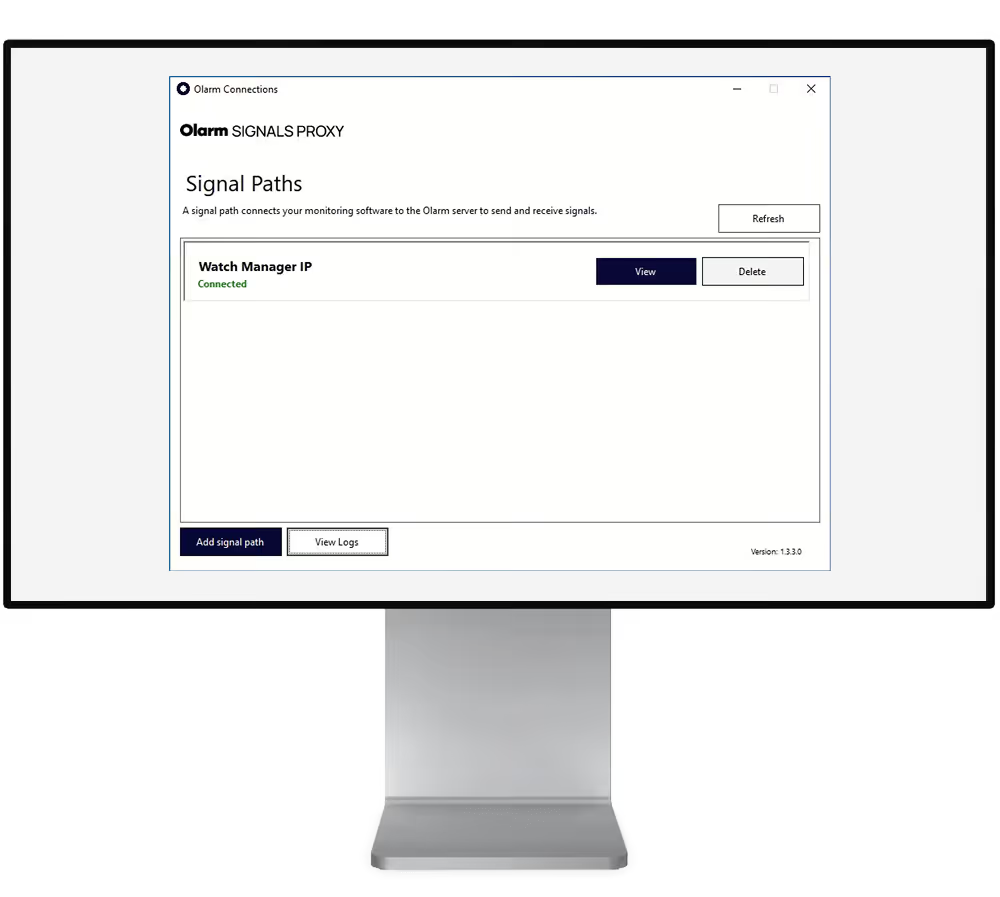
Olarm MAX plugs into a Nemtek energizer with one cable, taking the place of one of the keypads. It connects over 4G as well as WiFi, so your fence stays in touch with the app and your security company even if your home internet goes down or a power cut takes your router offline. If Olarm MAX loses power itself, a small built-in supercapacitor keeps it running for about two minutes, long enough to warn you. That might be a power cut, or it might be someone cutting the power or tampering with your system, so it's worth checking.
A simple remote switch can only turn a fence on or off. Because Olarm MAX talks to the energizer the way a keypad does, the Olarm APP gives you the full picture and full control:
- Live status of each zone, plus the energizer's battery health and service status
- On and off when your gardener or a technician needs to work on or near the fence, even if you aren't home, and back on when they're done
- Low-voltage mode when something is wrong, so the fence is still monitored but doesn't shock
- Bypass a single zone and keep the rest of the fence and alarm armed
- Alerts for alarms, AC fail and low battery, with a live event log of everything that happened
- Live signals to your security company's control room, so they see what you see
- Video of a fence alarm: link a camera to a fence zone and, when that zone triggers, you can check the footage in the app to see whether it was an intruder, a branch or a bird before anyone responds
Video works with Hikvision, Dahua, Provision and other RTSP cameras connected to Olarm MAX, and helps your security company check an alarm before sending a vehicle.
Olarm MAX supports the Nemtek Druid D13, D15, D18, D20, D25 and D28, the Merlin Stealth M18S, M28S and M28X, and the Merlin 4i.
The Druid model number tells you what each energizer does: the first digit is the number of zones and the second is the output in joules. A Druid D13 has one zone at 3 joules, and a D28 has two zones at 8 joules. The D20 fits the same pattern: two zones and no high-voltage output, because it only monitors.
See how Olarm works with a Nemtek electric fence and a JVA electric fence, or read about the JVA integration. If your fence also links to your alarm, Olarm MAX puts both in one app.
Installer? Olarm Academy has free online courses to get you set up: the Olarm MAX Course covers fitting Olarm MAX, and the camera and video integration course shows how to link Hikvision, Dahua and Provision cameras.
Frequently asked questions
Do I need an electric fence certificate to sell my house?
Yes. If there's an electric fence on the property, you need an electric fence certificate of compliance for the transfer. Book a registered installer early, because any faults have to be fixed before they can issue it.
Can I put an electric fence on a fence next to a school or pavement?
Where the public can reach it, live wires must start at least 1.5m above the ground. Below that, use a low-voltage fence monitor such as the Nemtek Druid D20, which raises the alarm without giving a shock.
Can I install an electric fence myself?
You can buy the parts, but the certificate of compliance can only be issued by a registered electric fence installer. Most homeowners have the whole fence installed by one, and their fingertips are grateful.
Does an electric fence work during a power cut?
Yes, while its backup battery lasts. How long depends on the energizer and the battery's age, so replace the battery if the fence stops during outages.
How do I switch my electric fence off?
Use your keypad, or turn it off in the Olarm APP if your Nemtek energizer is connected to Olarm MAX. You can do it from anywhere, so your gardener or technician can start work even when you aren't home, and you can turn the fence back on as soon as they're finished. For repairs, your technician should still isolate the fence at the energizer.
Want to control your fence from your phone? See how Olarm works with Nemtek energizers.
Recent news

Why does my alarm app say offline? A home checklist
Wireless vs wired alarm systems: which suits your home?