










Olarm MAX Now Supports Honeywell Galaxy Alarm Panels
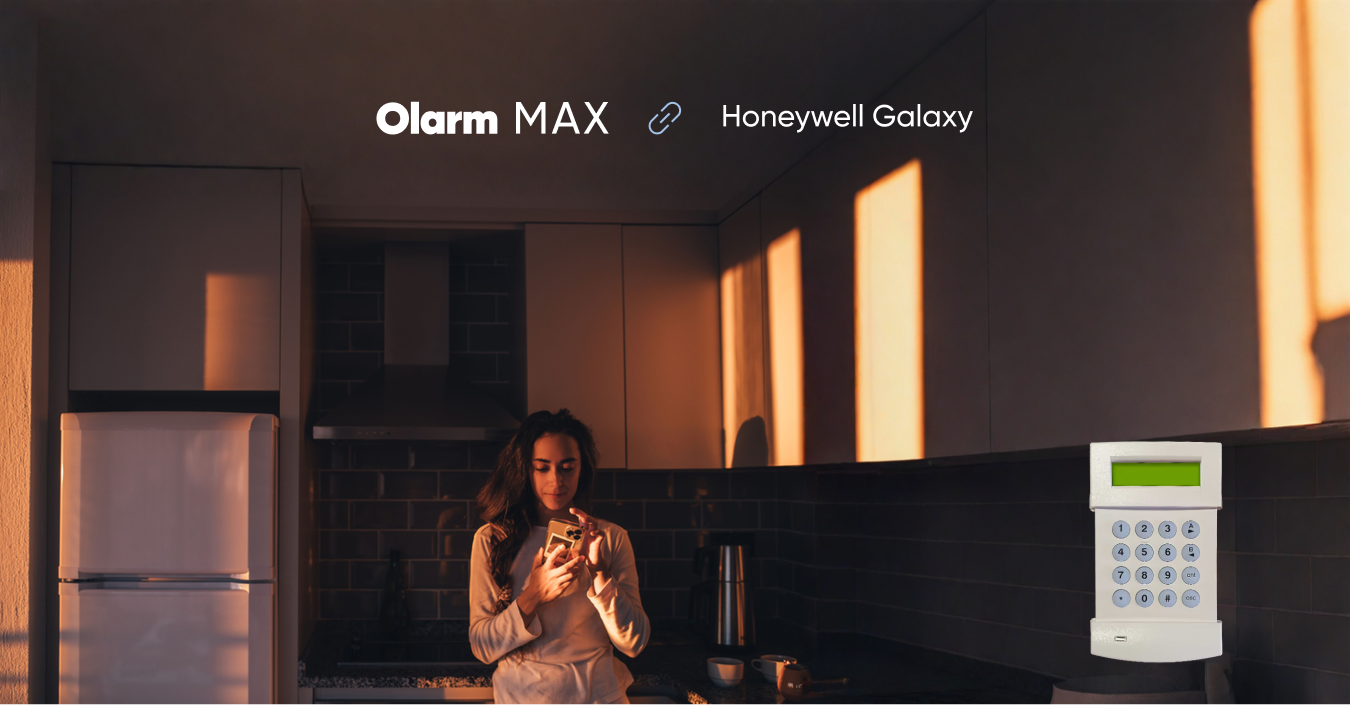
Honeywell Galaxy Support Is Here
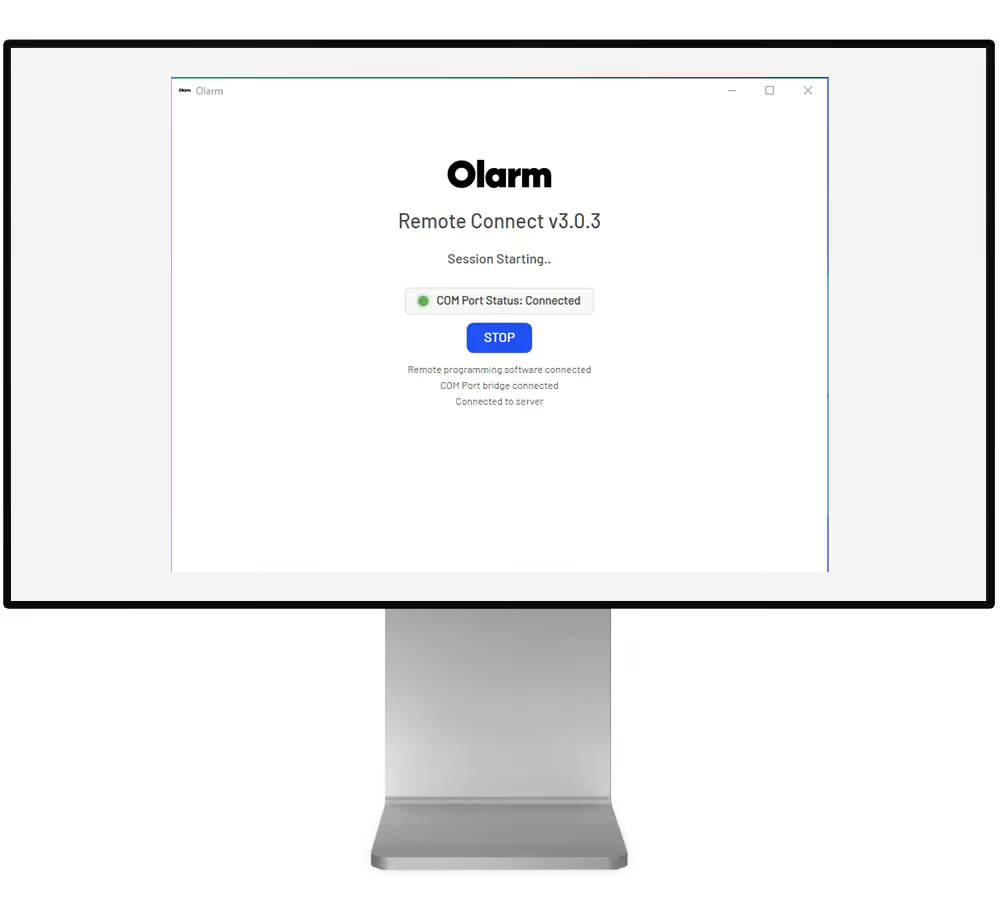
After months of development and beta testing, Olarm MAX now fully supports the Honeywell Galaxy range of alarm panels. Firmware V1.9.0 brings complete integration with the Galaxy G2, Galaxy Dimension, and Galaxy G3 — including Remote Connect, full zone label fetching, and reliable event handling.
If you have a Honeywell Galaxy panel installed in your home or business, you can now connect an Olarm MAX and get full smart alarm control through the Olarm App — arm, disarm, view zones, receive instant notifications, and verify alarms with camera integration.
The Journey to Full Support
Honeywell Galaxy support has been one of our most requested features. The Galaxy range is hugely popular, particularly in the UK and European markets, where the G2 and Dimension panels are installed in hundreds of thousands of homes and businesses.
We first introduced beta support for the Galaxy G2 and Galaxy Dimension in Olarm MAX V1.7.0 back in March 2025. That beta allowed basic connectivity and control, but without signal support or full zone labelling. Over the following months, we worked closely with installers and beta testers to refine the integration.
With V1.9.0, the integration is complete:
- Galaxy G2 — Full support with zone labels, event detection, and app control
- Galaxy Dimension — Full support including Remote Connect for remote configuration and zone label fetching across all zones
- Galaxy G3 — Newly added in V1.9.0 with full support from day one
What You Get With Olarm + Honeywell Galaxy
The Honeywell Galaxy is a capable alarm panel. It's EN50131 graded, widely supported by professional installers, and has a solid reputation for reliability. What it lacks is a modern app experience. Honeywell's own GX Remote Control app has limited functionality, requires an Ethernet module to be installed, and hasn't kept pace with what users expect from a smart alarm app in 2025.
With an Olarm MAX connected to your Galaxy panel, you get:
- Full app control — arm, disarm, and part-set from the Olarm App on iOS and Android
- Zone labels pulled from the panel — your zones show up in the app with the names your installer programmed ("Front Door", "Kitchen PIR", "Garage Beam"), not just Zone 1, Zone 2
- Instant push notifications for alarm activations, tamper events, system faults, and zone activity
- Remote Connect on Dimension panels — allowing remote configuration and diagnostics
- Camera verification via Olarm Video — see what triggered the alarm before your response team arrives
- Dual-SIM 4G + WiFi connectivity — the Olarm MAX communicates over cellular and WiFi independently of your Galaxy panel's existing communication path
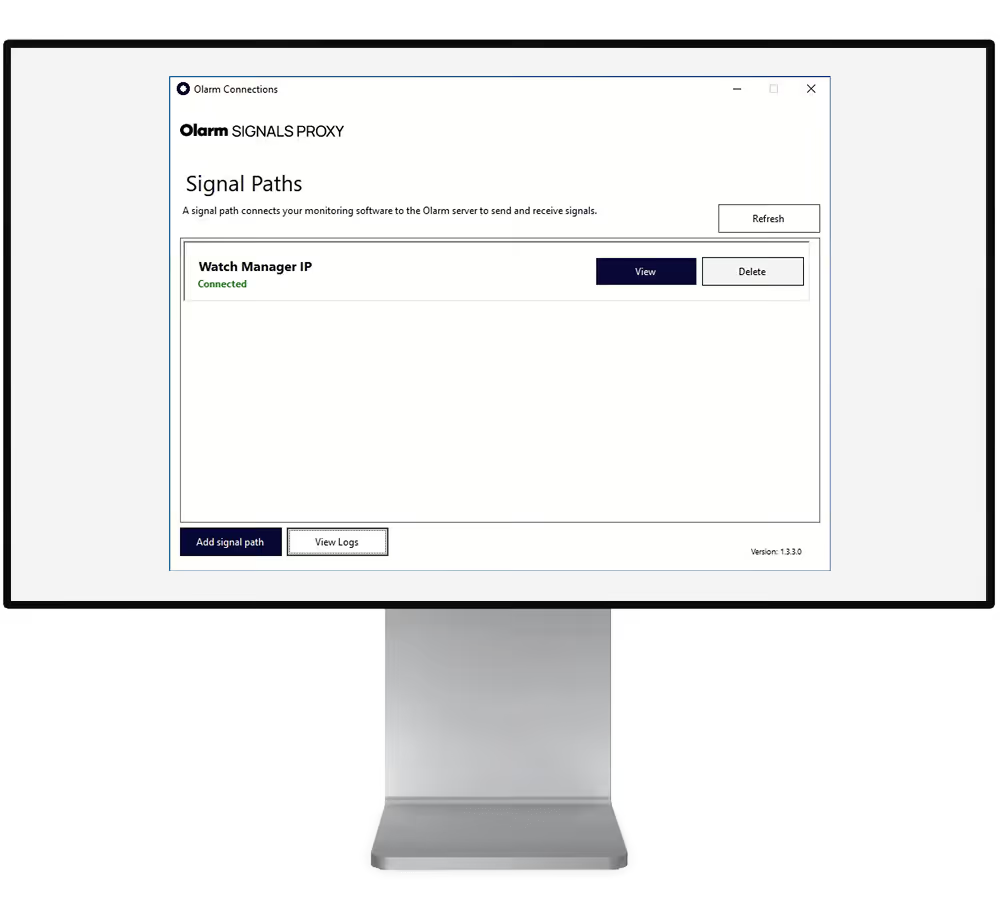
- Armed response signalling via encrypted IP through Signals Proxy to professional Alarm Receiving Centres
Supported Honeywell Galaxy Models
Olarm MAX V1.9.0 supports:
- Galaxy G2 — The compact panel popular in residential installations. 20 zones, 2 areas, commonly used in UK homes
- Galaxy Dimension — The enterprise-grade panel for larger installations. Up to 520 zones, 32 areas, used in commercial and high-security residential properties
- Galaxy G3 — Added in V1.9.0. Sits between the G2 and Dimension in terms of capacity, popular in mid-size commercial installations
For Installers: What You Need to Know
If you're an installer working with Honeywell Galaxy panels, here's the technical picture:
- The Olarm MAX connects to the Galaxy panel via the RS232 serial port
- Zone labels are fetched automatically from the panel — no manual configuration needed in the Olarm platform
- For Dimension panels, Remote Connect is supported for remote panel access
- The Olarm MAX operates independently of any existing Galaxy Ethernet Module or GPRS module — it adds a parallel communication path without interfering with existing ARC connections
- Installation takes approximately 20–30 minutes
If you're not yet an Olarm partner, visit olarm.com/become-a-partner to get set up. For existing partners, the Galaxy installation guide is available in the Olarm Support Centre.
Get Started
For homeowners and businesses with a Honeywell Galaxy G2, Dimension, or G3:
- Check your panel model — look at the label inside the panel enclosure or ask your installer
- Get an Olarm MAX from a local stockist
- Have it installed by a qualified alarm technician
- Download the Olarm App and pair your device
Your Galaxy panel just got its best upgrade yet.
Recent news
What Is Olarm Command Centre? A Guide for Monitoring & Response Companies
Smart Security for Estates, Complexes & Gated Communities in South Africa