











Olarm MAX Now Supports DSC Neo Alarm Panels

DSC Neo Owners Can Now Control Their Alarm From the Olarm App
With the release of Olarm MAX firmware V1.6.0, we've added full support for the DSC Neo range of alarm panels. If you have a DSC Neo HS2016, HS2032, HS2064, or HS2128 installed in your home or business, you can now connect an Olarm MAX and get complete app control — without replacing any of your existing hardware.
What This Means for DSC Neo Owners
The DSC Neo is one of the most popular professional alarm panels in the market. It's used widely in both residential and commercial installations, known for its PowerG wireless technology, strong encryption, and flexible zone configurations. But until now, getting smart app control on a DSC Neo meant relying on DSC's own ecosystem, which often requires additional modules, subscriptions, and configuration.
With an Olarm MAX connected to your DSC Neo, you get:
- Full arm, disarm, and partition control from the Olarm App on iOS and Android
- Instant push notifications for alarm events, zone triggers, power status changes, and system faults
- Zone activity monitoring — see which sensors are active in real time
- Armed response signalling via encrypted IP through Signals Proxy to your Alarm Receiving Centre
- Camera integration with Olarm Video — verify alarm events with a live camera feed from the same app
- Multi-property management — if you have DSC Neo at one property and an IDS or Paradox at another, manage them all from one app
Supported DSC Neo Models
Olarm MAX V1.6.0 supports the following DSC Neo panels:
- HS2016 — 6 on-board zones, expandable to 16
- HS2032 — 8 on-board zones, expandable to 32
- HS2064 — 8 on-board zones, expandable to 64
- HS2128 — 8 on-board zones, expandable to 128
Whether you have a small residential setup on the HS2016 or a large commercial installation on the HS2128, the Olarm MAX integrates at the panel level and works across the full range.
Other Improvements in V1.6.0
Alongside DSC Neo support, this firmware update also includes:
- Faster WiFi data transfer for improved Olarm Video performance — camera streams load quicker, especially on dual-band networks
- Smarter WiFi access point selection — the Olarm MAX now automatically connects to the access point with the strongest signal. This is particularly useful in homes with mesh WiFi networks where multiple access points share the same network name
How to Get Connected
If you already have an Olarm MAX installed with a DSC Neo, the firmware update rolls out automatically over the air — no action needed on your end. Your device will update and DSC Neo support will be active.
If you don't have an Olarm MAX yet, here's how to get started:
- Confirm your DSC Neo model is on the supported list above
- Purchase an Olarm MAX from a local stockist or on Takealot
- Have it installed by a qualified technician — the installation takes 20–30 minutes
- Download the Olarm App, pair your device, and you're in control
Your DSC Neo just got a whole lot smarter.
Recent news
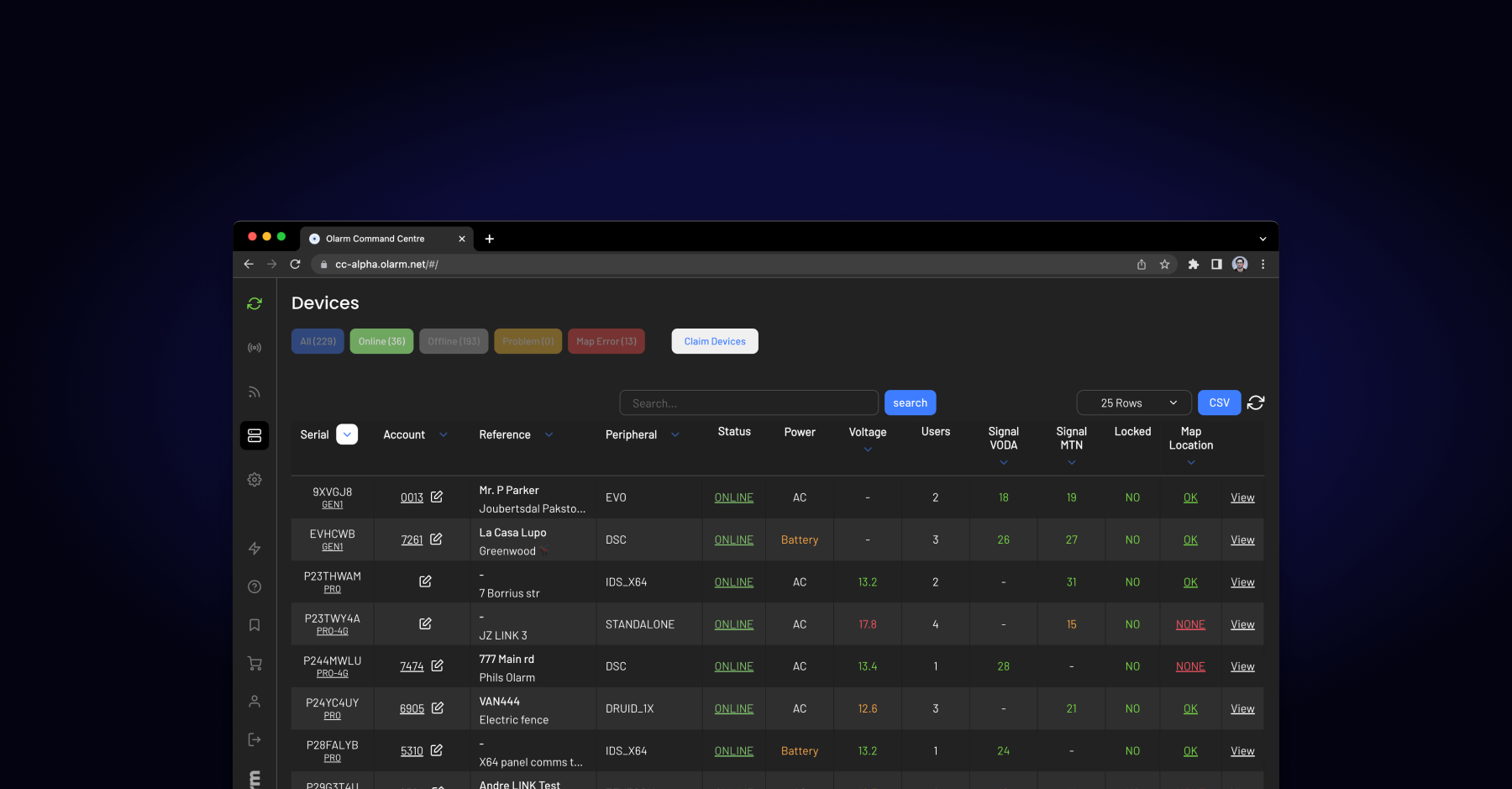
What Is Olarm Command Centre? A Guide for Monitoring & Response Companies
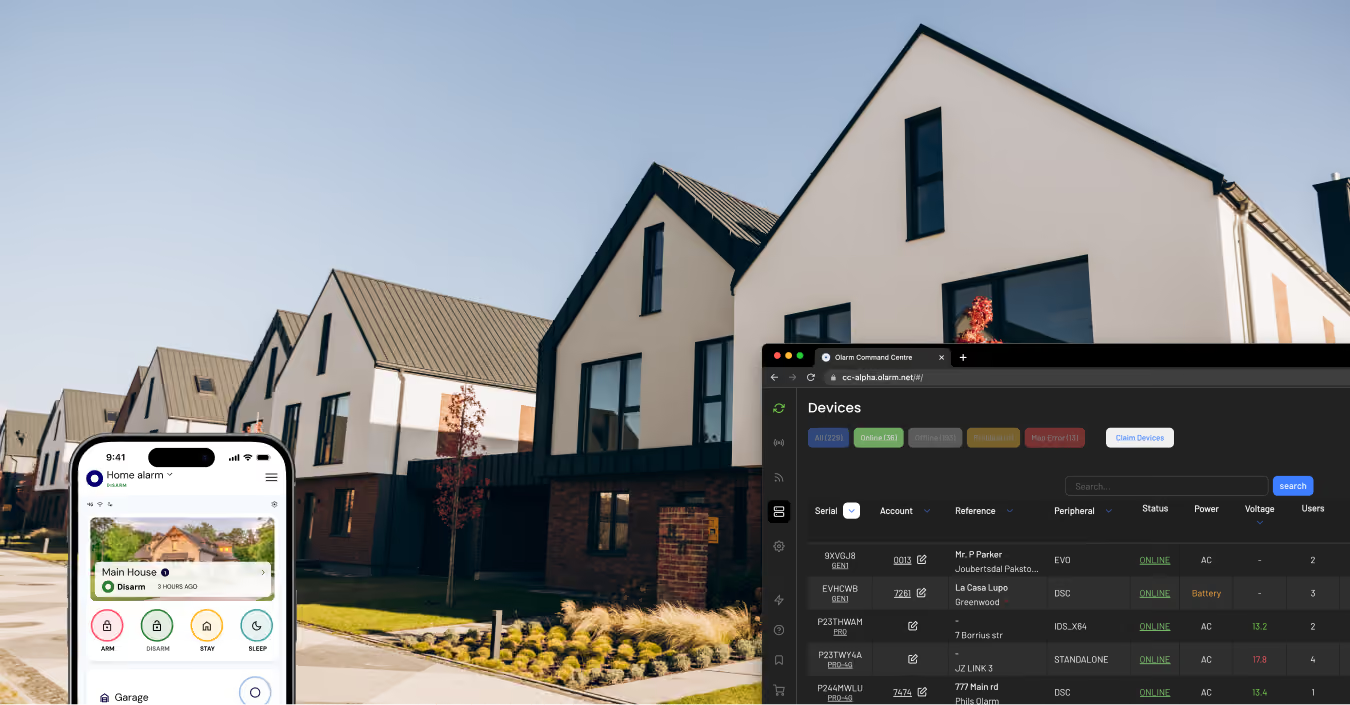
Smart Security for Estates, Complexes & Gated Communities in South Africa