










New: IDS X-Series Stay Arm Profiles on Olarm MAX

More Flexible Stay Arming for IDS X-Series Panels
If you have an IDS X-Series alarm panel, you already know it supports multiple stay arm profiles — allowing you to arm specific zones while leaving others disarmed. It's one of the most useful features for South African homes where you want the perimeter armed while moving freely inside, or where you want upstairs armed while you're downstairs.
With Olarm MAX firmware V1.6.2, you can now control up to 4 stay arm profiles per partition directly from the Olarm App. No more walking to the keypad to select a specific stay profile. Just open the app, tap the profile you want, and you're set.
What Are Stay Arm Profiles?
Stay arm profiles are configurations on your IDS X-Series panel that define which zones are armed and which are bypassed when you're at home. A typical setup might look like this:
- Stay 1 (Night mode): Perimeter beams and doors armed, internal PIRs off — so you can move around the house at night without triggering the alarm
- Stay 2 (Upstairs only): Upstairs bedrooms and windows armed, downstairs open — useful when you're entertaining or the kids are playing downstairs
- Stay 3 (Perimeter only): Only beams and gate contacts armed — maximum freedom of movement inside, full perimeter protection
- Stay 4 (Home office): Office zone disarmed, everything else armed — for work-from-home days where you're in and out of one area
These profiles are configured by your installer on the IDS panel itself. What Olarm MAX V1.6.2 adds is the ability to select any of these profiles from your phone.
Why This Matters for South African Homes
South African homes typically have layered security: perimeter beams, electric fencing, door and window contacts, and internal passive infrared (PIR) sensors. The challenge is that "armed" and "disarmed" is too binary for how people actually live. You want some zones on and others off, and you want this to change throughout the day.
Stay arm profiles solve this, but only if you can easily switch between them. Walking to the keypad in the garage or hallway to select Stay Profile 3 instead of Stay Profile 1 is the kind of friction that means people just don't use them. App control removes that friction entirely.
Other Improvements in V1.6.2
This firmware update also includes:
- Better power supply detection — improved accuracy for both internal battery and external power supply monitoring on the Olarm MAX
- Olarm Video camera compatibility — added support for special characters in camera passwords, so more camera brands and models work with Olarm Video out of the box
Supported IDS X-Series Panels
Stay arm profiles via the Olarm App are available on IDS X-Series panels that support multiple stay profiles. This includes the popular X64, X16, and other models in the X-Series range. If your IDS panel has stay arm profiles configured, the Olarm MAX will detect and surface them in the app automatically.
How to Get This Update
If you already have an Olarm MAX connected to an IDS X-Series panel, the V1.6.2 firmware update is delivered over the air automatically. Once updated, the stay arm profile options will appear in your Olarm App the next time you open it.
If you have an IDS X-Series panel but don't have an Olarm MAX yet, visit olarm.com/works-with to confirm compatibility, and find a local stockist or installer near you. Installation takes 20–30 minutes and doesn't affect your existing panel or armed response setup.
Your IDS X-Series just got more flexible.
Recent news
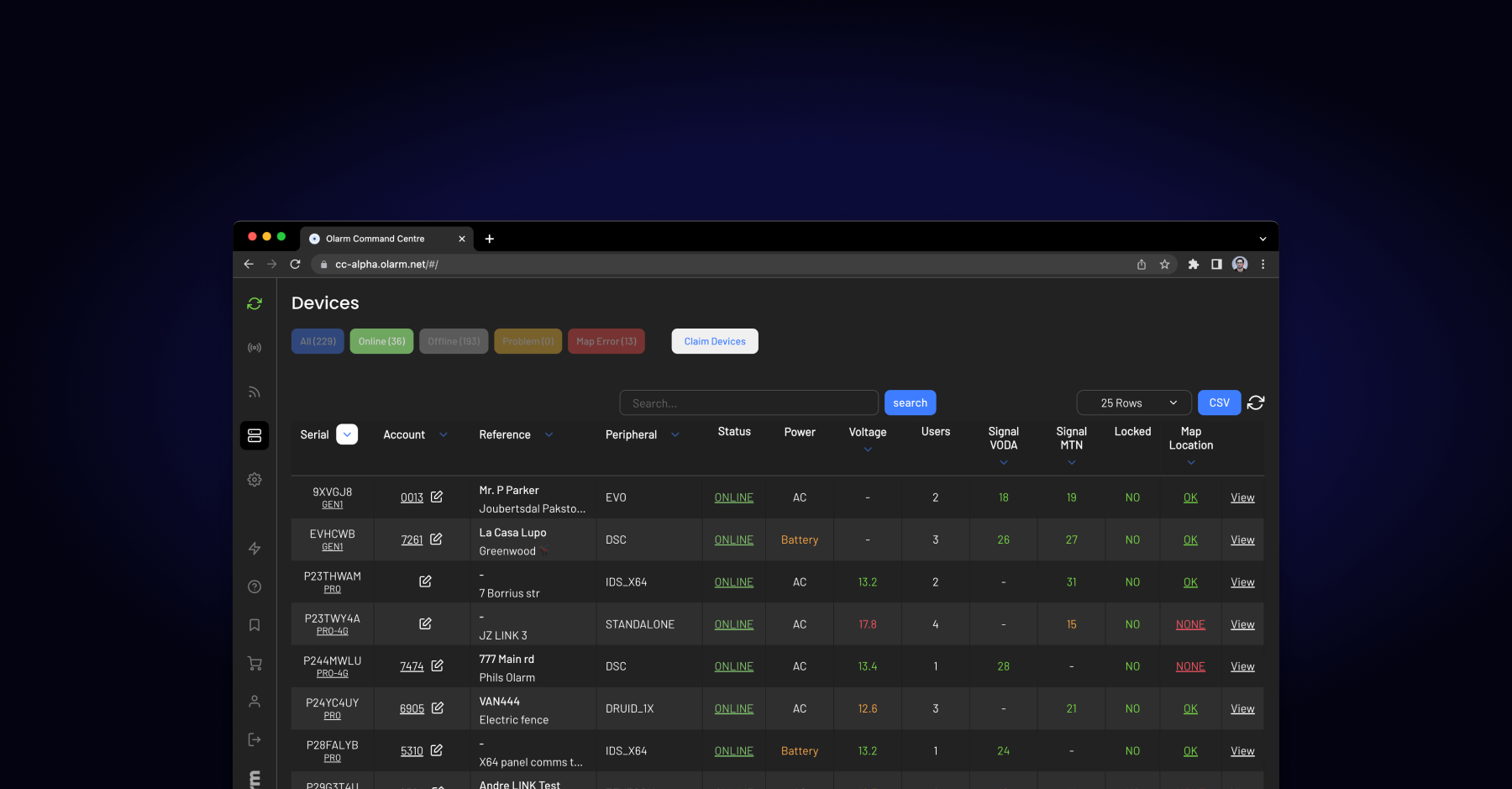
What Is Olarm Command Centre? A Guide for Monitoring & Response Companies
Smart Security for Estates, Complexes & Gated Communities in South Africa