










How Remote Connect Eliminates Unnecessary Site Visits for Alarm Installers
The Cost of a Site Visit
Every alarm installer knows the routine. A client calls because a zone needs renaming, a schedule needs adjusting, or a new user code needs adding. The fix takes two minutes at the keypad — but getting there takes an hour of driving, plus fuel, plus the opportunity cost of not being on a revenue-generating installation.
Multiply that across a week and the numbers add up quickly. A busy installer might run 10–15 programming callouts a week that could have been handled remotely. At R500–R800 per callout in time and fuel, that's R5,000–R12,000 a week in avoidable costs.
Olarm Remote Connect exists to eliminate those trips. It lets you program alarm panels from your office — using the same UDL software you already use — through a secure cloud connection via the Olarm MAX or PRO communicator on site.
How It Works
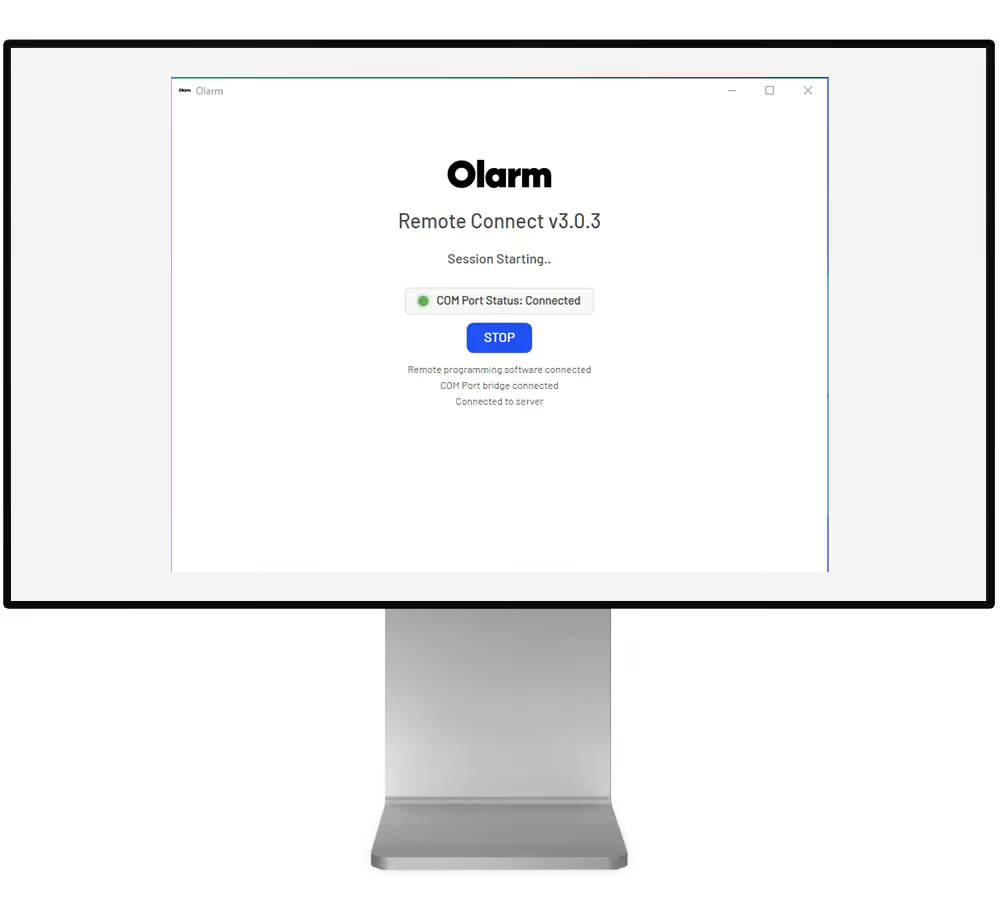
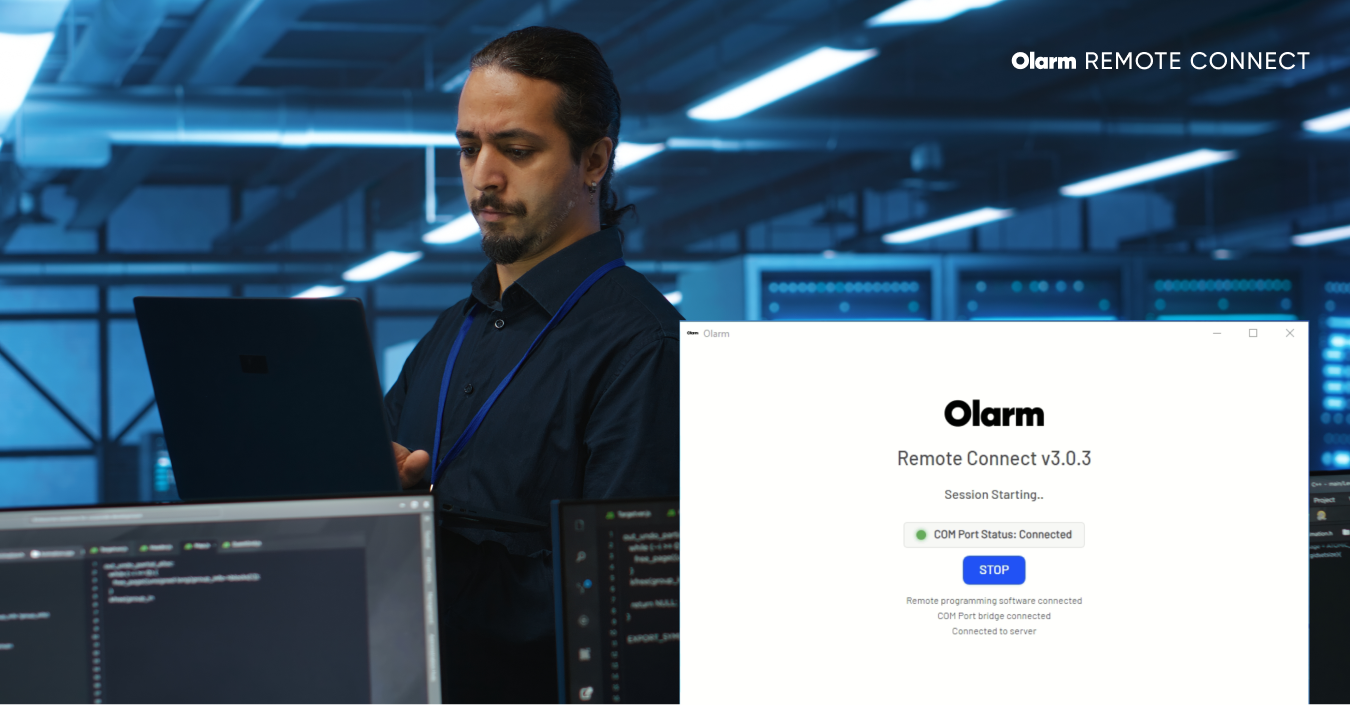
Remote Connect creates a virtual serial port (COM60) on your PC that tunnels through the Olarm Cloud to the communicator connected to the alarm panel on site. From your UDL software's perspective, it looks exactly like a direct connection.
The process takes about 30 seconds to set up:
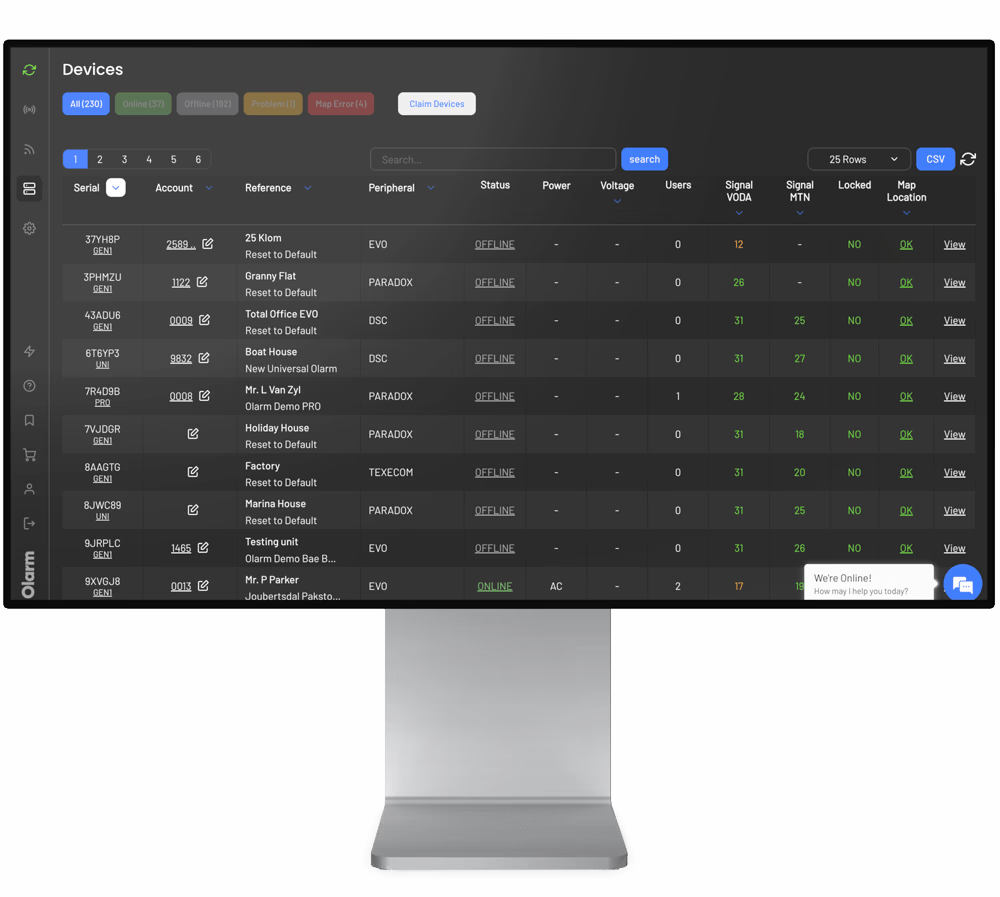
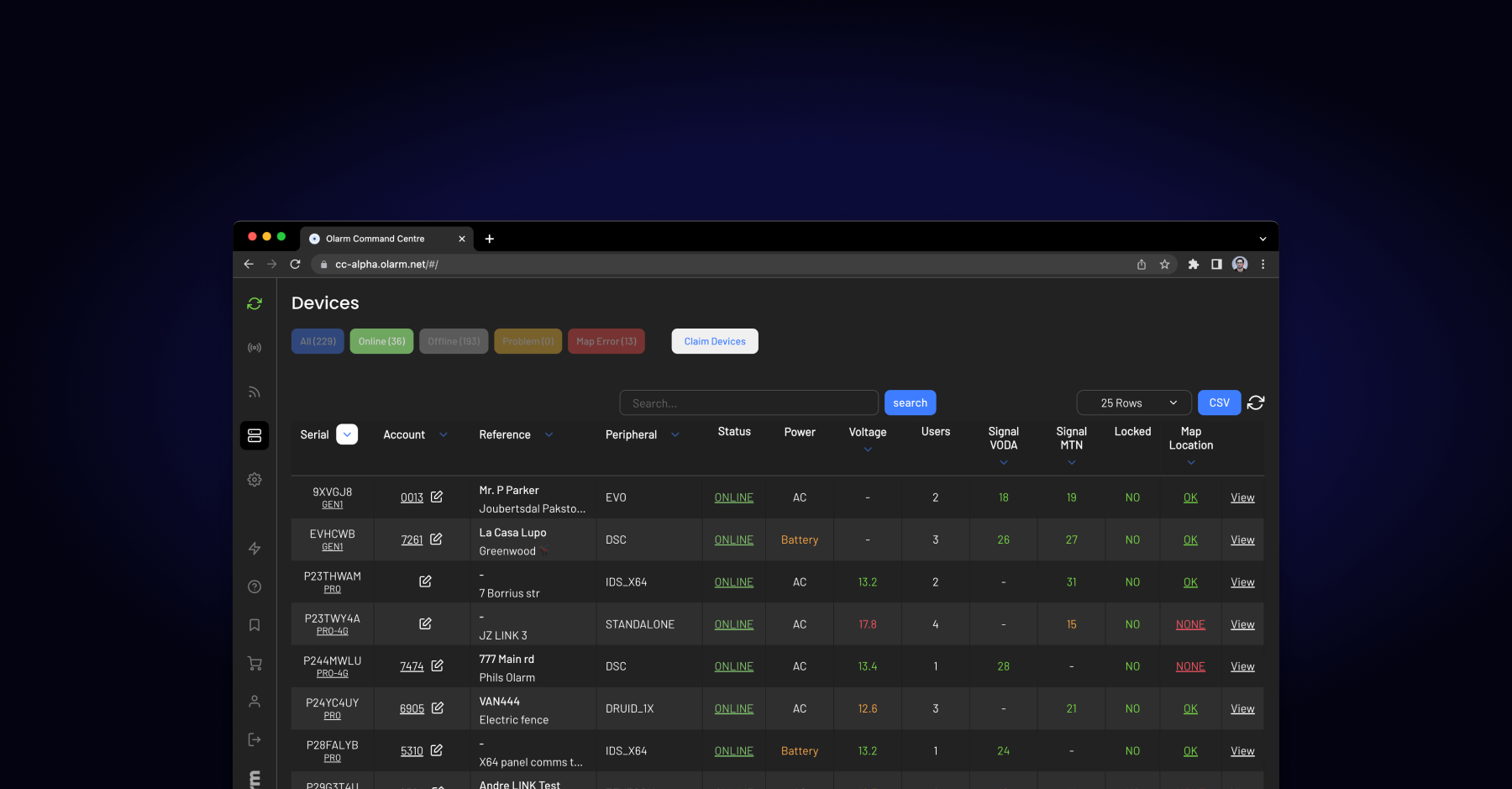
- Open the device in Olarm Command Centre and go to the Remote Programming tab.
- Click Generate to create a one-time connection key.
- Open the Olarm Remote Connect desktop application on your PC.
- Paste the connection key and click Connect.
- Launch your UDL software and connect to COM60.
You're now programming the panel as if you were standing in front of it. Zone configurations, user codes, schedules, output programming, communication settings — everything available through UDL is available remotely.
Which Panels and Software Does It Support?
Remote Connect works with the major alarm panel brands and their respective UDL software:
Paradox — BabyWare. Covers the full SP, MG, and EVO range. This is the most widely used combination in South Africa.
Texecom — Wintex. Supports Premier and Veritas panels. Popular in both South African and UK installations.
IDS — IDSwift. Covers the X-Series and 805/806 panels. IDS is dominant in the South African market, making this a critical integration.
DSC — DLS5. Supports the Neo range (HS2016, HS2032, HS2064, HS2128) and Power Series panels.
Honeywell Galaxy — Galaxy Gold / Remote Servicing Suite. Supports Galaxy G2 (Dimension) and G3 panels. Full support was added in December 2025 with Olarm MAX firmware V1.9.0.
Orisec — Orisec Download Software. Supports 9 Orisec panel models added through firmware V1.6.5 and V1.7.0.
When Does Remote Connect Save You the Most?
The biggest ROI comes from the high-frequency, low-complexity jobs that eat up your driving time:
Zone label changes. A client wants "Front Door" renamed to "Main Entrance" or needs a new zone added after an expansion. Two minutes of programming, but previously required a full site visit.
User code management. Adding, removing, or changing user codes for staff turnover. This is especially common in commercial installations where employees change frequently.
Schedule adjustments. Auto-arm and auto-disarm times that need updating when business hours change. Retail clients change these seasonally.
Output and PGM programming. Configuring automation outputs, gate triggers, or siren behaviour. These are often requested as add-ons after initial installation.
Diagnostics and troubleshooting. Pulling event logs, checking zone states, and verifying communication settings when a client reports issues. Remote Connect lets you investigate before deciding whether a physical visit is actually needed.
Security Considerations
Remote access to alarm panels is a sensitive topic, and rightly so. Remote Connect addresses this with several safeguards:
Connection keys are single-use and time-limited. Each session requires generating a fresh key in Command Centre, so there's no persistent backdoor to the panel.
All traffic is encrypted end-to-end between your PC and the Olarm communicator. The connection passes through the Olarm Cloud but the tunnel is secured.
Every remote session is logged in Command Centre with timestamps, user identity, and session duration. For businesses that need to demonstrate compliance or accountability, the audit trail is there.
The communicator must be online and connected for Remote Connect to work. If the device is offline or tampered with, no remote session can be established.
What You Need to Get Started
Remote Connect requires an Olarm MAX or Olarm PRO communicator installed on site, connected to the alarm panel's serial/UDL port. You'll also need:
- An Olarm Partner account with access to Command Centre (free with partnership).
- The Olarm Remote Connect desktop application installed on your PC (available from Command Centre under Settings > Connections).
- The appropriate UDL software for the panel you're programming.
There's no additional licensing fee for Remote Connect. It's included as part of the Olarm Command Centre platform.
The Bottom Line
Remote Connect doesn't replace site visits entirely — you still need to be on site for physical installations, wiring changes, and hardware swaps. But it eliminates the single biggest time-waster in an installer's week: driving to a site for a two-minute programming change.
For installers managing 50+ sites, the time savings compound quickly. For armed response companies with in-house technical teams, it means faster response to client requests and fewer vehicles on the road. And for clients, it means same-day service instead of waiting for the next available appointment.
Register as an Olarm Partner at olarm.com/become-a-partner to get started with Remote Connect and Command Centre.
Recent news
What Is Olarm Command Centre? A Guide for Monitoring & Response Companies
Smart Security for Estates, Complexes & Gated Communities in South Africa