












How to Upgrade Your Alarm System Without Replacing It

Your Alarm System Works. Everything Else About It Doesn’t.
Your alarm system works. The sensors detect motion. The siren goes off. The monitoring company gets the signal. What doesn’t work is everything else you’d expect from a system you’re paying to protect your home in 2026.
You can’t check if it’s armed from your phone. You can’t get a notification when your kids get home from school. You can’t arm it from the office because you forgot on your way out the door. You definitely can’t see your camera feeds and alarm status in the same app.
The obvious answer is to replace it. Start over. Except your current system cost a fortune to install, the sensors are hard-wired into your walls, and the detection quality of a professional-grade panel is significantly better than any battery-powered DIY kit.
There’s a better option: upgrade what you have.
What “Upgrading” Actually Means
Upgrading your alarm doesn’t mean replacing it. It means adding a smart communicator – a small device that connects to your existing alarm panel and bridges it to a smartphone app.
Think of it like adding a streaming stick to an older TV. The TV still works perfectly – great picture, great speakers. It just couldn’t connect to Netflix. The streaming stick adds that layer of smart functionality without touching the underlying hardware.
A smart alarm communicator does the same thing. Your panel still detects. Your sensors still sense. Your siren still screams. But now you can also control, monitor, and verify everything from an app on your phone.
What You Gain by Upgrading (Without Replacing)
Remote arm and disarm
Left for work and forgot to set the alarm? Open the app, tap arm, done. Coming home late and want to disarm before you walk in? Two taps. No more rushing to the keypad while the entry timer counts down.
Instant push notifications
Know the moment something happens. Your alarm triggers – you see it on your phone in seconds, not when your monitoring company calls you 3 minutes later. Your cleaner arrives and disarms – you get a confirmation. Your teenager gets home from school – notification.
4G cellular backup
Most professional alarm systems communicate via phone line or broadband. Both can be cut or go down. A smart communicator with built-in 4G cellular sends alarm signals over the mobile network – a connection that’s independent of your home broadband and much harder to tamper with.
Gate and garage control
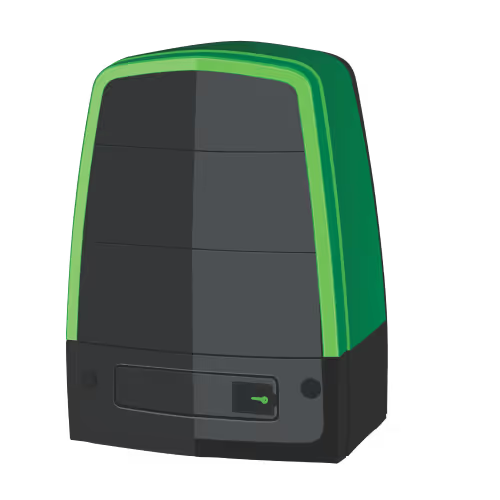
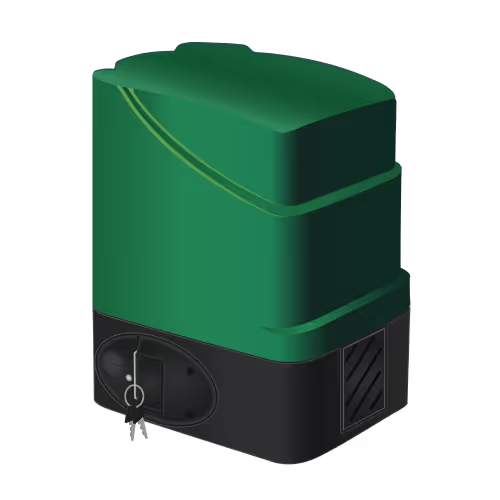
If your alarm system is connected to electric gates or a garage motor, a smart communicator can bring these into the same app. One app for alarm, gates, and garage. No separate remotes.
What It Costs vs. Full Replacement
Smart Communicator UpgradeFull System ReplacementHardware costOne device (R1,195 – R2,000 range)R3,000 – R20,000+ for full kitInstallation20–30 minutes, existing wiringFull day, new wiring throughoutExisting sensorsKeep all of themRemove and replaceDetection qualityUnchanged (professional-grade)Often downgraded (battery sensors)Disruption to homeNoneSignificant (new wiring, patching)Time to operationalSame day1–3 days
Which Alarm Systems Can Be Upgraded?
If you have any of these alarm panels, you can upgrade it with a smart communicator right now:
- IDS (805, 806, X16, X64) – South Africa’s most popular alarm panel. Upgrade adds full app control and 4G backup.
- Paradox (MG5050, SP6000, SP65, EVO192) – widely installed across SA and internationally.
- Texecom Premier (Premier, Premier Elite, Veritas) – common in the UK and growing in SA.
- Honeywell Galaxy (Galaxy 2, Flex, Dimension) – the most common panel in the UK market.
- DSC PowerSeries (PC1555, PC1616, PC1832, Neo) – common in commercial and older residential installs.
- Orisec (all models) – UK manufacturer, fully compatible.
If it’s a wired alarm panel with a communication port, there’s likely a compatible communicator for it.
How to Upgrade Your Alarm (Step by Step)
- Identify your alarm panel. Open your alarm panel’s enclosure (usually in a cupboard or utility room) and check the model number printed on the PCB. Take a photo.
- Check compatibility. Visit olarm.com/works-with and find your panel brand for model-specific install guides.
- Order the communicator. The Olarm MAX includes dual-SIM 4G + WiFi connectivity in a single device.
- Install it. Most alarm installers can fit a communicator in 20–30 minutes. The device connects to your panel’s communication bus – no new wiring needed.
- Download the Olarm app and go. Pair the communicator, configure your notifications, and your alarm is now smart. Your keypad, fobs, and sensors continue working exactly as before.
Who Should Replace Instead of Upgrade?
To be fair, there are situations where full replacement makes more sense:
- Your alarm panel is genuinely broken or the manufacturer has discontinued parts
- You want a completely wireless system (no wired sensors at all)
- You’re renovating and rewiring the entire house anyway
- Your system is very old (pre-2005) and doesn’t have a communication bus
For everyone else – which is the vast majority of homeowners with an alarm – upgrading with a smart communicator gives you 90% of the smart alarm experience at 10% of the replacement cost.
Recent news
What Is Olarm Command Centre? A Guide for Monitoring & Response Companies
Smart Security for Estates, Complexes & Gated Communities in South Africa