














Partner Affiliations: How Installers and Monitoring Companies Collaborate on Olarm

The Reality of Multi-Party Security
In most alarm setups, the company that installs the hardware isn't the same company that monitors the signals. An installer fits the Olarm MAX, connects it to the alarm panel, and configures the zones. A separate alarm receiving centre (ARC) or armed response company receives the signals and dispatches when something triggers. And sometimes a third party handles the billing relationship with Olarm for the device subscription.
This is normal. It's how the industry works. But it creates an operational coordination problem: who has access to what? Who can update firmware? Who receives the signals? Who gets billed? Traditionally, this is managed through phone calls, emails, and trust — with no system-level visibility into who's responsible for what.
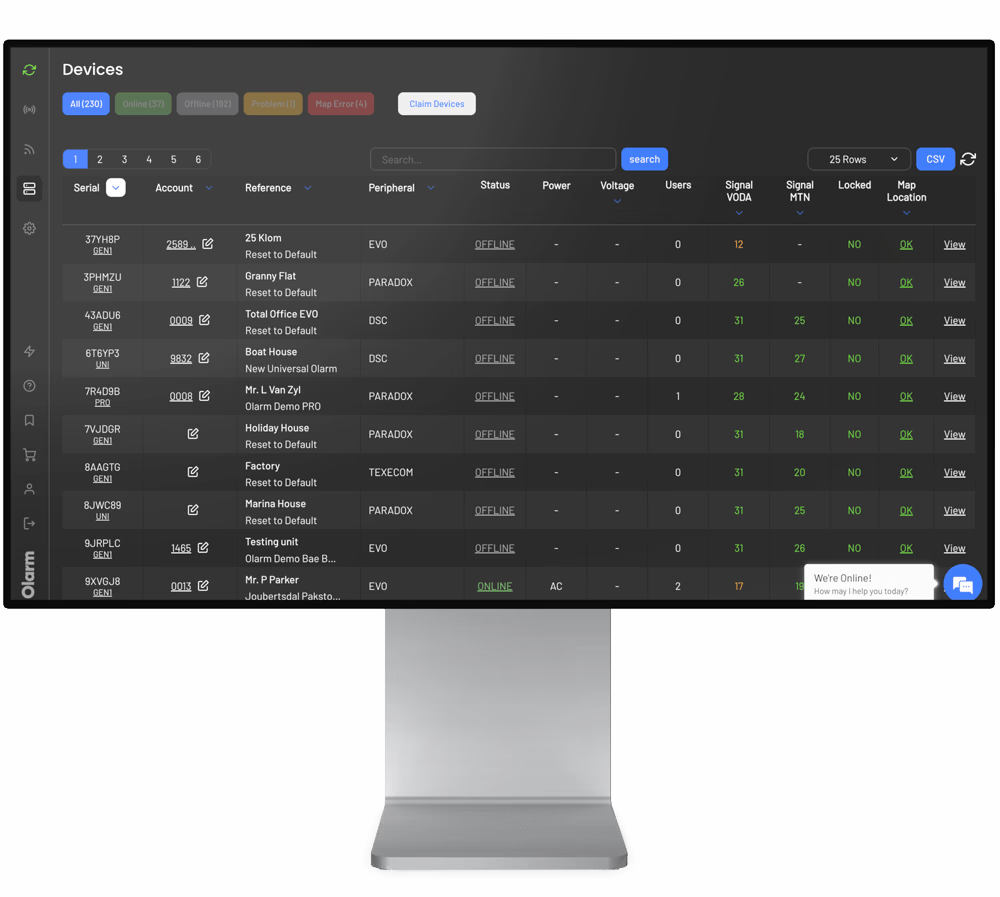
Olarm's Partner Affiliations feature in Command Centre formalises this. It lets Olarm Partners share device roles with each other through a structured, auditable process — so every device has clear ownership across three dimensions: installation, monitoring, and billing.
The Three Device Roles
Every Olarm device in Command Centre has three assignable roles:
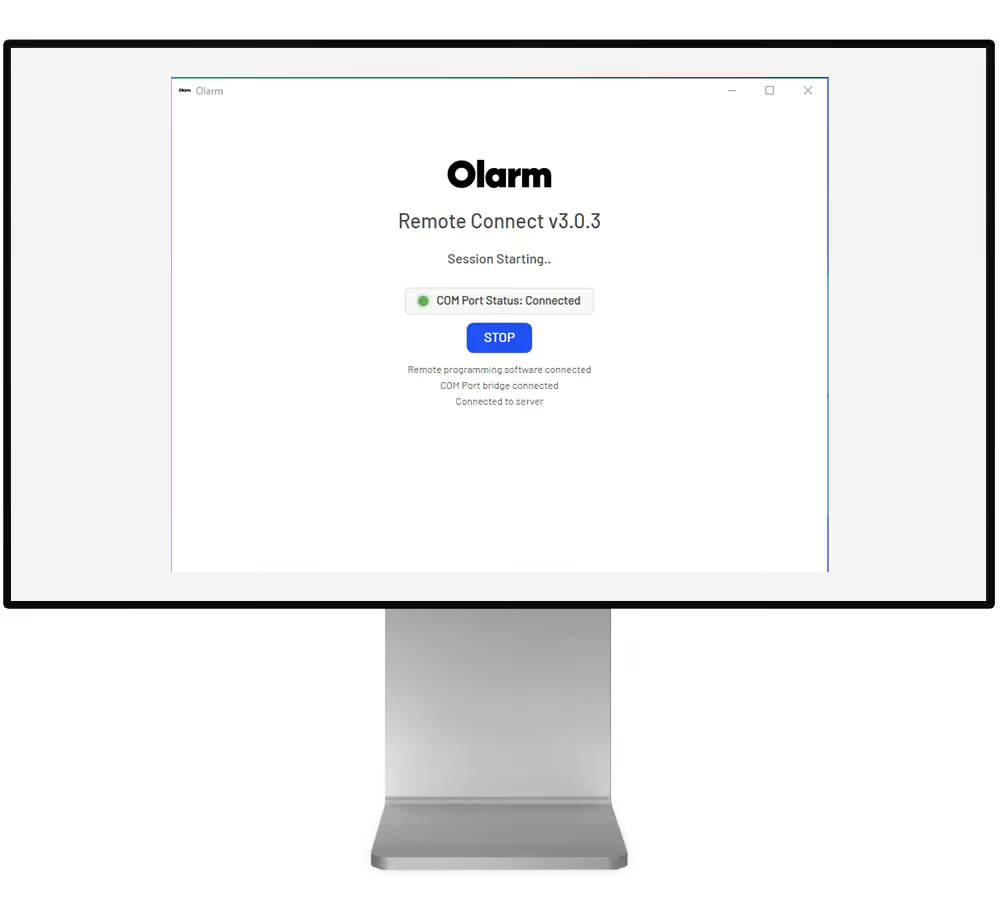
Installer — the partner responsible for the physical hardware. They can claim and release devices, update firmware, configure settings, use Remote Connect for programming, and manage zone labels. This is typically the company that put the communicator on the wall.
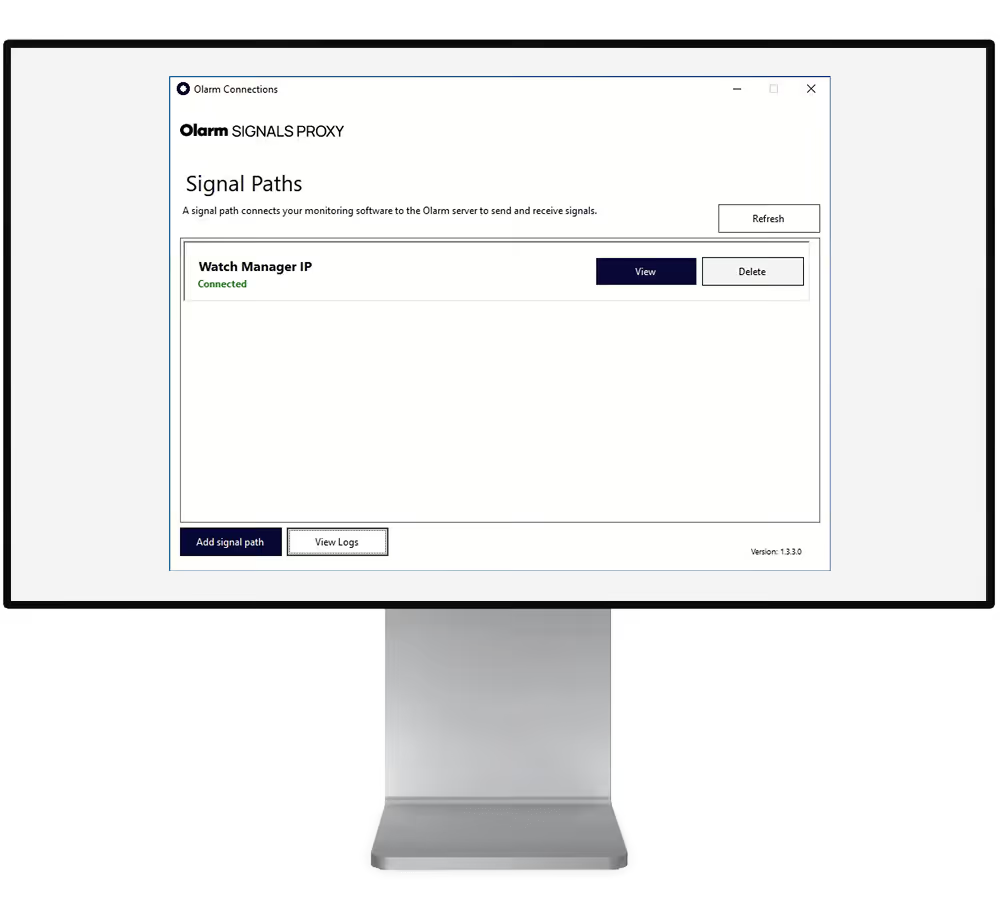
Monitor — the partner responsible for receiving alarm signals. Once assigned the Monitor role, this partner's SIGNALS PROXY connection receives events from the device. They can view device status and signal history. This is typically an ARC or armed response company's control room.
Billing — the partner responsible for the Olarm device subscription. Whoever holds this role is billed by Olarm when the device is online. If no Billing partner is assigned, the end user (app user) is billed directly and signals are disabled until payment is made.
A single company can hold all three roles — which is common for armed response companies that install, monitor, and bill in-house. But for businesses that specialise in one area, affiliations let them assign the other roles to partner companies.
How Affiliations Work
Every Olarm Partner account has a unique Partner Code, found in Command Centre under Settings > Overview. This code is used to establish affiliations between businesses.
To affiliate with another company, you either share your Partner Code with them or request theirs. One party enters the code in their Partner Affiliations settings and sends a request. The other party receives the request via email and a notification inside their Command Centre, and accepts or declines.
Once the affiliation is active, both businesses can assign each other roles on specific devices. The affiliation itself is a relationship between companies — the role assignments happen at the device level.
Assigning Roles on a Device
After claiming a device, you can assign roles to any affiliated partner. From the device detail view, scroll to the Device Roles section. Next to each role (Monitor, Installer, Billing), click Manage and select the affiliated partner you want to assign.
The selected partner receives an email notification and a request inside their Command Centre. They must accept the role for it to activate. This two-way confirmation ensures no partner is assigned responsibilities without their knowledge or consent.
Until a Monitor role is accepted, the assigned ARC won't receive signals from that device. Until a Billing role is accepted, the assigned partner won't be billed. The system enforces clarity before responsibilities take effect.
Common Scenarios
Installer + Separate ARC
You're an installer based in Johannesburg. You fit Olarm MAX communicators for residential clients, but you don't run a control room. Your clients' signals go to an ARC partner in the same region.
You affiliate with the ARC using their Partner Code. When you claim a new device after installation, you assign yourself as Installer and Billing, and assign the ARC as Monitor. They accept, and signals start flowing to their monitoring software via SIGNALS PROXY. You manage the hardware; they manage the signals.
Armed Response Company With External Installer
You're an armed response company in Cape Town. You have your own control room and patrol vehicles, but you outsource installations to a network of independent alarm technicians.
Each installer is registered as an Olarm Partner. They affiliate with your company, claim devices during installation, assign themselves as Installer, and assign your company as Monitor and Billing. You receive signals and handle the subscription; they handle hardware maintenance and Remote Connect programming when clients need changes.
UK ARC With Multiple Installer Partners
You're an ARC in the UK working with several installation companies across different regions. Each installer affiliates with your account. When they install Olarm devices, they assign you as Monitor. You receive signals from all of their installations in a single SIGNALS PROXY connection, regardless of which installer fitted the hardware.
This model scales cleanly. Adding a new installer partner is just a new affiliation — no changes to your signal routing or monitoring infrastructure.
What Happens When Partnerships End
Business relationships change. If you need to remove an affiliation, you can do so from the Partner Affiliations settings in Command Centre. However, once a role has been assigned on a specific device, unassigning it currently requires assistance from Olarm Support. This is by design — it prevents one party from unilaterally removing the other from a device without a coordinated handoff.
In practice, the cleanest way to handle a partnership ending is to coordinate the transition: the departing partner releases their role, a new partner is affiliated and assigned, and the device responsibilities transfer without any gap in monitoring coverage.
Why This Matters for Your Business
Partner Affiliations solve a real coordination problem that most security businesses currently handle with informal agreements, emails, and spreadsheets. By making device roles explicit, auditable, and system-enforced, it reduces the risk of:
Devices going unmonitored because nobody realised the Monitor role wasn't assigned. Billing disputes because it's unclear who should be paying for the subscription. Access conflicts when an installer and ARC both need to manage the same device. Orphaned devices when a partner leaves and nobody knows which devices they were responsible for.
For growing businesses that work with multiple partners across regions, this structure becomes essential. It's the difference between a partnership model that works at 20 devices and one that works at 2,000.
Partner Affiliations are available to all Olarm Partners through Command Centre at no extra cost. To get started, register at olarm.com/become-a-partner or contact your existing Olarm account manager to set up your first affiliation.
Recent news
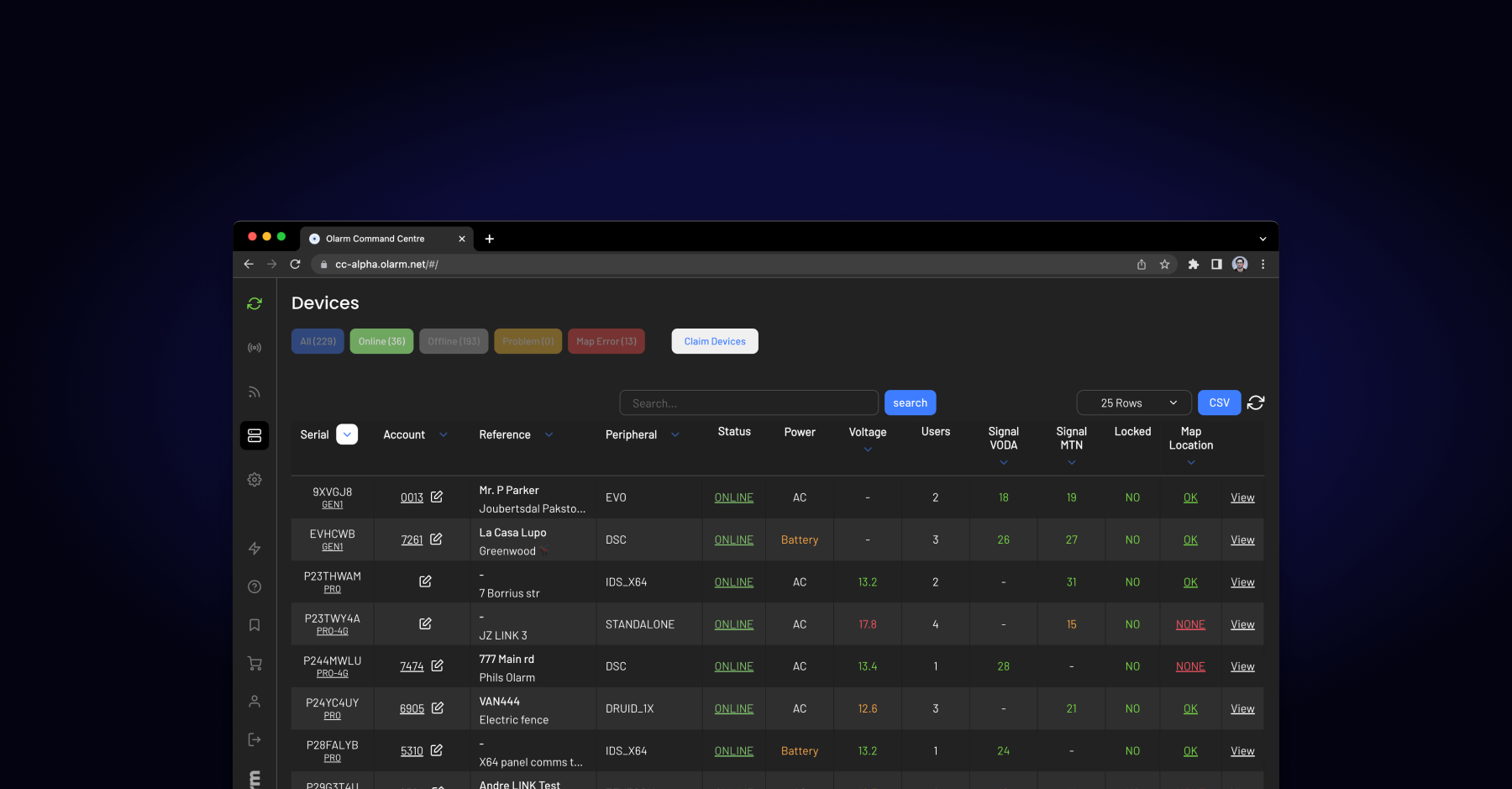
What Is Olarm Command Centre? A Guide for Monitoring & Response Companies
Smart Security for Estates, Complexes & Gated Communities in South Africa