










How to control your Honeywell Galaxy alarm from your phone

You can control a Honeywell Galaxy alarm from your phone by adding a module or communicator that connects the panel to an app. The options differ in how they connect: some use your home broadband through an Ethernet module, while a communicator such as Olarm MAX has its own 4G and WiFi connection. Your Galaxy panel and detectors stay as they are.
What you need to know first
- Your panel model. It's printed inside the panel box and usually shown on the keypad at start-up, such as Galaxy G2, G3 or Dimension.
- Who installed it. Most options need an engineer to fit a module and change panel settings, so it helps to have your installer's details to hand.
- How your alarm is monitored. If it reports to a monitoring centre, tell them before anything changes, so the existing signalling keeps working.
Option 1: an Ethernet module and an app
Galaxy panels can take an Ethernet module that connects the panel to your home router. Apps that use this route, including Honeywell's own, talk to the panel over your broadband.
- An engineer fits the module and connects it to your router with a network cable.
- Remote access depends on your broadband and router. If the internet or power to the router goes down, the app can't reach the panel.
- Check what each app offers for arming, disarming, notifications and sign-in before you choose.
Push notifications have ended on Honeywell's Galaxy remote apps. In August 2025, Honeywell announced that it would end the push notification feature on its older Galaxy Remote App by 31 December 2025, and turn it off on the GX Remote App on 1 January 2026. The apps still work for arming and disarming, but no longer send alerts to your phone. If the service is still enabled on a panel, the keypad shows a fault, so your installer will need to switch it off. You can read Honeywell's push notification update.
Option 2: Olarm MAX G and the Olarm APP
Olarm MAX G is the Galaxy version of Olarm MAX. It connects to the panel and to the internet itself, so your app doesn't depend on your home broadband. It's fitted in place of the Ethernet module, so an existing module is removed during installation. You then control everything from the Olarm APP, used by more than 500,000 people.
A connection that keeps working
- Dual-SIM 4G with WiFi backup. If one network drops, Olarm MAX G switches to another, so the app can still reach your alarm when your broadband is down.
- A last warning in a power cut. A small built-in backup gives it time to send a final alert if the alarm loses power completely.
Alerts you won't miss
- Push notifications for alarms, arming and disarming, power failures and more.
- Critical alerts for a zone in alarm or a panic. They sound even when your phone is on silent or in Do Not Disturb.
- Zone alerts tell you when a chosen door or detector is triggered, even while the alarm is off.
- Scheduled and AI arm reminders tell you when the alarm isn't armed and should be.
Full control from your phone
- Arm, disarm, stay and sleep from anywhere, with Face ID or fingerprint sign-in.
- Zone names sync from your panel, so you see "Front door" rather than "Zone 3", and you can bypass a zone in a tap.
- A panic button in the app, so you can raise a panic from your phone.
- An activity log shows who armed and disarmed, and when.
Access for the whole household
- Separate users for family, staff and tenants, each with their own login and notifications.
- Guest access with start and end dates for house sitters, visitors and contractors. Access starts and ends automatically.
- View-only users for people who need alerts without control.
See what set it off
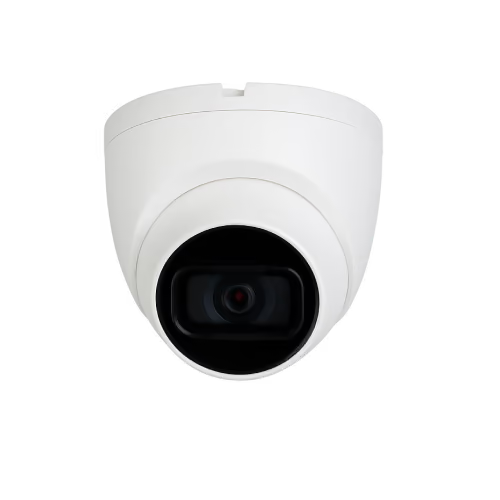
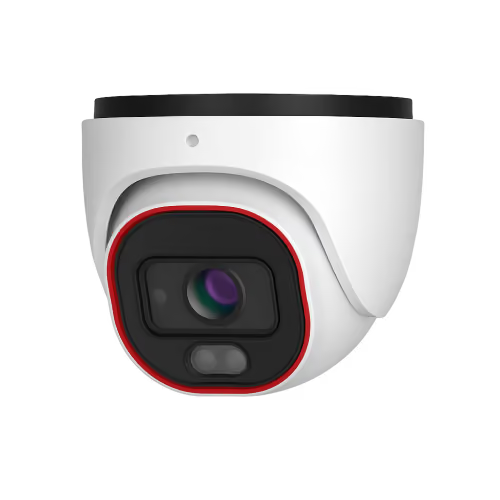
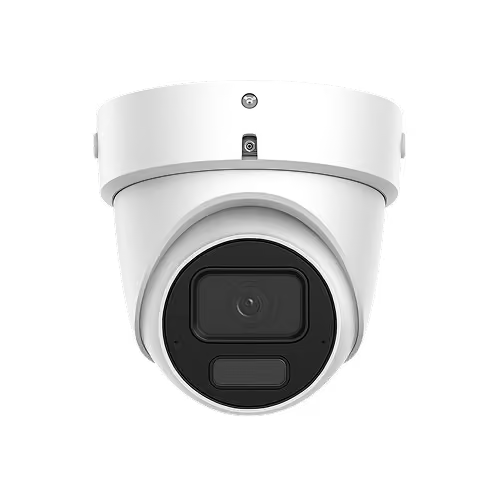
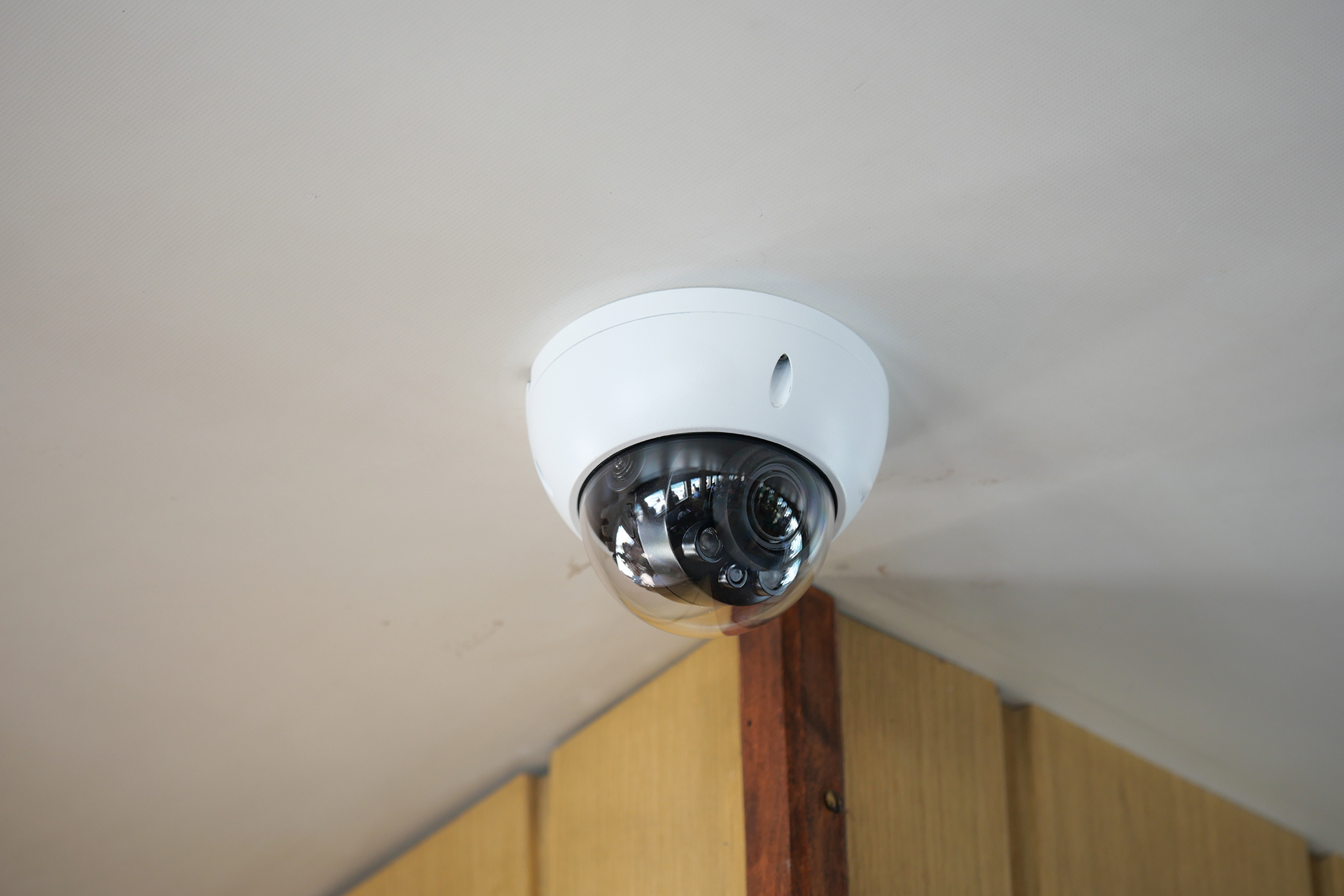
- Link your cameras to see live video and a short clip of what triggered a zone, so you can tell a break-in from a false alarm.
See which Galaxy panels and features are supported on our Honeywell Galaxy alarm app page.
For installers: remote servicing with Honeywell RSS
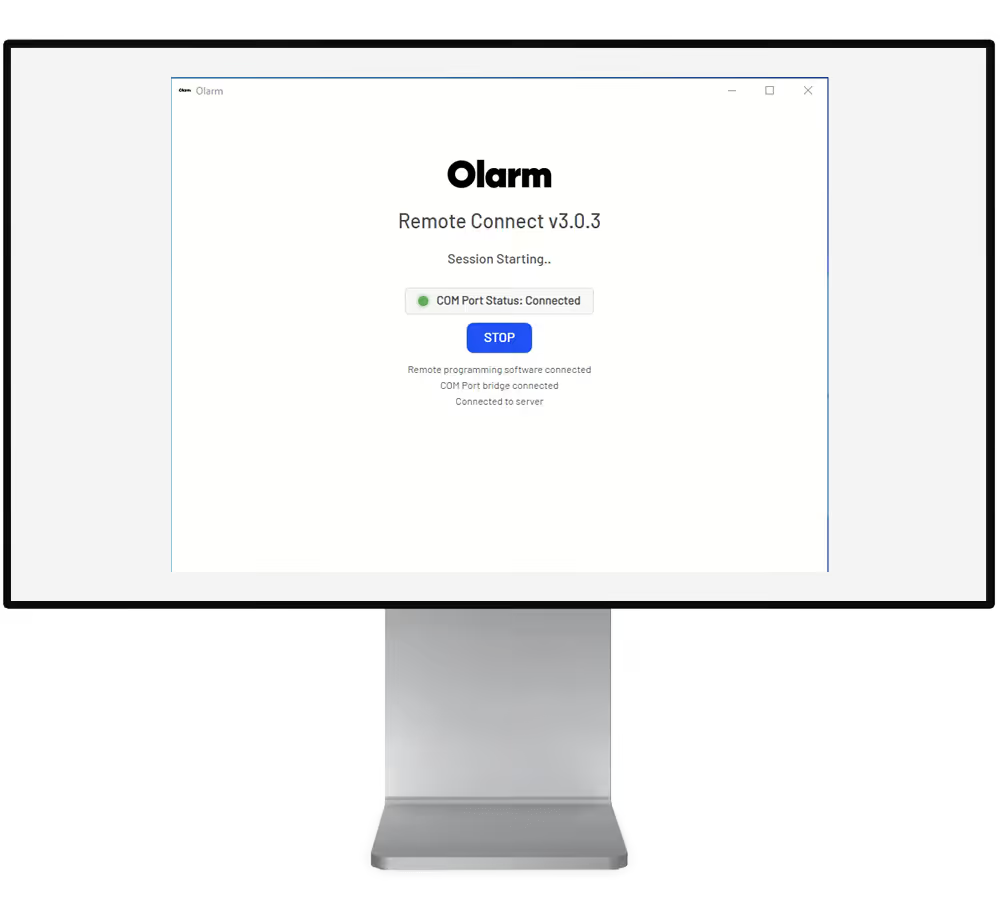
Engineers can still program and service a Galaxy panel remotely with Honeywell's Remote Servicing Suite (RSS) once Olarm MAX is fitted. Olarm REMOTE CONNECT carries the RSS session over the Olarm connection, with no VPN or port forwarding on the customer's router.
- Each session uses a one-time code generated in Olarm COMMAND CENTRE.
- Every session is logged, so you can see who connected to which site and when.
- It saves a site visit for changes such as codes, zone settings and fault-finding.
How to choose
- Is your broadband reliable? If not, a communicator with its own mobile connection keeps the app working when the internet is down.
- Who will use it? If several people need access, check how each option handles separate users, guest access and notifications.
- Do you need alerts on your phone? Check that the option you choose still supports push notifications.
- What do you want beyond arming? Camera viewing, zone alerts and remote servicing for your installer vary between options.
- What will it cost over time? Compare the hardware, installation and any subscription.
Getting Olarm MAX fitted
- Check your panel is supported on the Honeywell Galaxy page.
- Find an installer through our stockists. Installation usually takes 20 to 30 minutes.
- Download the Olarm APP, add the device, and invite the rest of the household as users.
Frequently asked questions
Do I need to replace my Galaxy panel?
No. Each of these options adds to your existing panel. Your detectors and siren stay as they are.
Will it work if my internet goes down?
Options that use an Ethernet module need your broadband. Olarm MAX uses its own 4G connection, with WiFi as a backup.
Why has my Honeywell app stopped sending alerts?
Honeywell turned off push notifications on its Galaxy remote apps from 1 January 2026. The app can still arm and disarm, but it won't alert you. If your keypad shows a fault since then, ask your installer to disable the push notification service on the panel.
Can my installer still use RSS?
Yes. With Olarm MAX fitted, your installer can connect with Honeywell RSS through Olarm REMOTE CONNECT, without setting up port forwarding on your router.
Can I keep my monitoring company?
Usually, yes. Speak to them and your installer before any change, so your existing signalling is kept.
Want app control for your Galaxy? See Olarm for Honeywell Galaxy.
Recent news
How to control your Honeywell Galaxy alarm from your phone
Linking your cameras to your alarm: what you need