











Lost your gate remote? Open your gate or garage from your phone

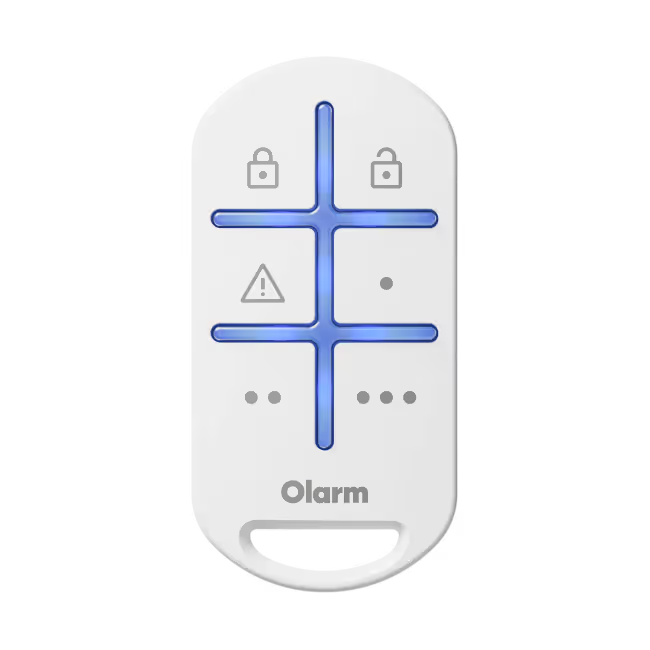
If you lose the remote for an electric gate or garage door, remove it from the receiver straight away so nobody else can use it, then code in a replacement. You can also stop relying on remotes and open the gate from your phone, which lets you give family, cleaners and visitors access without handing remotes out.
Lost or stolen remote: remove it from the receiver first
A gate or garage remote is a key to your property. If it's lost or stolen, whoever has it can open your gate until the remote is removed from the receiver.
- Delete the lost remote. Most receivers can delete a single remote, as long as you know which button or memory slot it used. The manual for your gate or door explains how.
- If you can't delete one, clear them all. Wipe the receiver's memory, then re-code every remote you still have.
- Ask your gate engineer if you're unsure. They can do it quickly and check the receiver at the same time.
Replacing and coding a remote
A replacement must match your receiver's brand and system, so take an old remote or the receiver model with you when you buy. Coding a new remote usually means pressing the learn button on the receiver, then the remote's button. Many modern remotes use rolling codes that change with every press, so they can't simply be copied. A remote coded straight into your receiver is the safer option.
Why remotes stop working
- Flat remote battery. The range shortens before the remote dies completely. Replace the coin cell first.
- Receiver or aerial problems. A loose or damaged aerial cuts the range for every remote.
- Interference. Other transmitters nearby can block the signal. If every remote struggles at the same spot, this is a likely cause.
- A power or motor fault. The remote works, but the gate doesn't move. Check the power to the gate and call your gate engineer.
- Wear and tear. A remote that only works when you press hard is near the end.
Open your gate from your phone instead
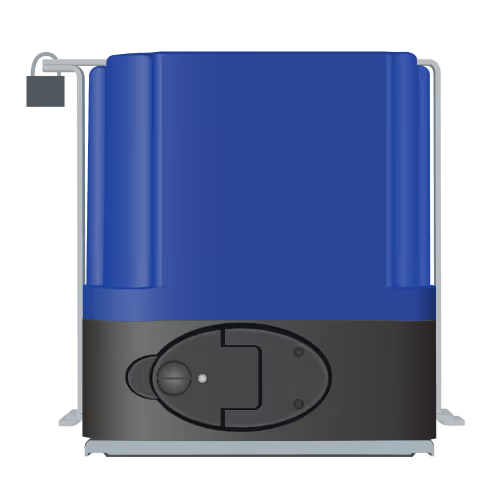
With Olarm, your gate or garage door becomes a button in the Olarm APP. There's no remote to lose, and you can open it from wherever you are: when visitors arrive, a parcel needs to go round the back or the kids get home before you.
If you have an alarm, Olarm MAX connects to it and its output triggers your gate or garage door. On Texecom Premier Elite and Orisec panels, the panel's own outputs can be used too. Because Olarm MAX works over 4G as well as WiFi, the button keeps working when your broadband is down. Your installer will check how best to connect your gate or door.
Know what your gate is doing
Depending on your gate, Olarm can also report on the gate itself:
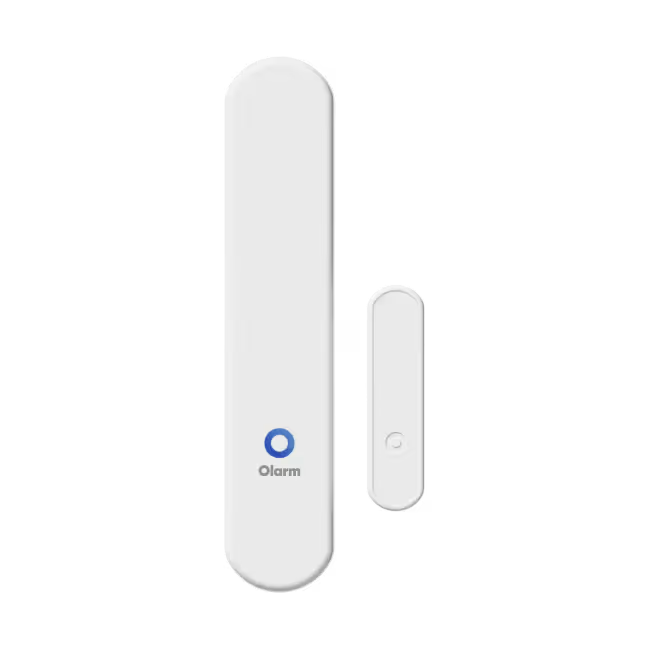
- Open and closed: see whether the gate or garage door is open, and get an alert when it opens or closes. No more going back to check.
- Loss of power: Olarm MAX has a small built-in supercapacitor that keeps it running for about two minutes after its power goes, long enough to send a last warning. It may be a power cut, but it can also mean someone has cut the power deliberately, so it's worth a look.
Give temporary access without handing out remotes
Remotes are hard to get back from a contractor or a house sitter. In the Olarm APP you can add users with a start and end date. Their access stops automatically, and you can remove them at any time. See alarm app users explained.
Frequently asked questions
Can I copy my gate remote?
Some older remotes can be copied, but many modern remotes use rolling codes and can't be. Coding a new compatible remote into your receiver is more reliable.
What should I do first if my remote is stolen?
Remove it from the receiver. If you can't delete one remote on its own, clear the receiver and re-code the remotes you still have.
Can I give a visitor access for one day?
Yes. Add them as a user in the Olarm APP with a start and end date, and their access stops automatically.
Ready to stop carrying remotes? See how Olarm MAX opens your gate from your phone.
Recent news

Orisec CP and ZP: app control and remote UDL with Olarm MAX

Texecom Premier and Premier Elite: app control and remote Wintex with Olarm MAX
