










Orisec CP and ZP: app control and remote UDL with Olarm MAX

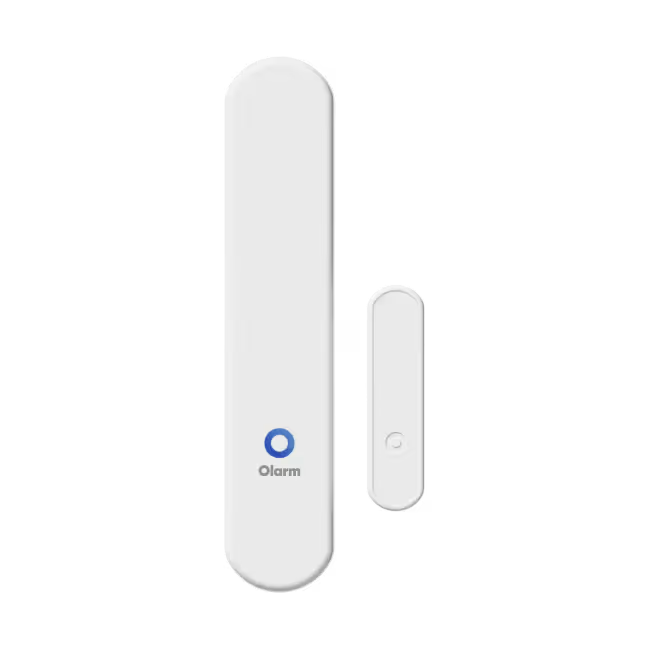
Orisec CP and ZP panels can be set, unset and monitored from your phone, and programmed remotely with Orisec UDL, without port forwarding on the customer's router. Olarm MAX connects to the panel, puts it in the Olarm APP for the homeowner or business, and carries Orisec UDL sessions for the engineer through Olarm REMOTE CONNECT.
Which Orisec panels are supported?
Olarm MAX works with Orisec CP and ZP series panels. Check the Orisec install guide for wiring and panel settings before you quote.
Remote UDL for engineers
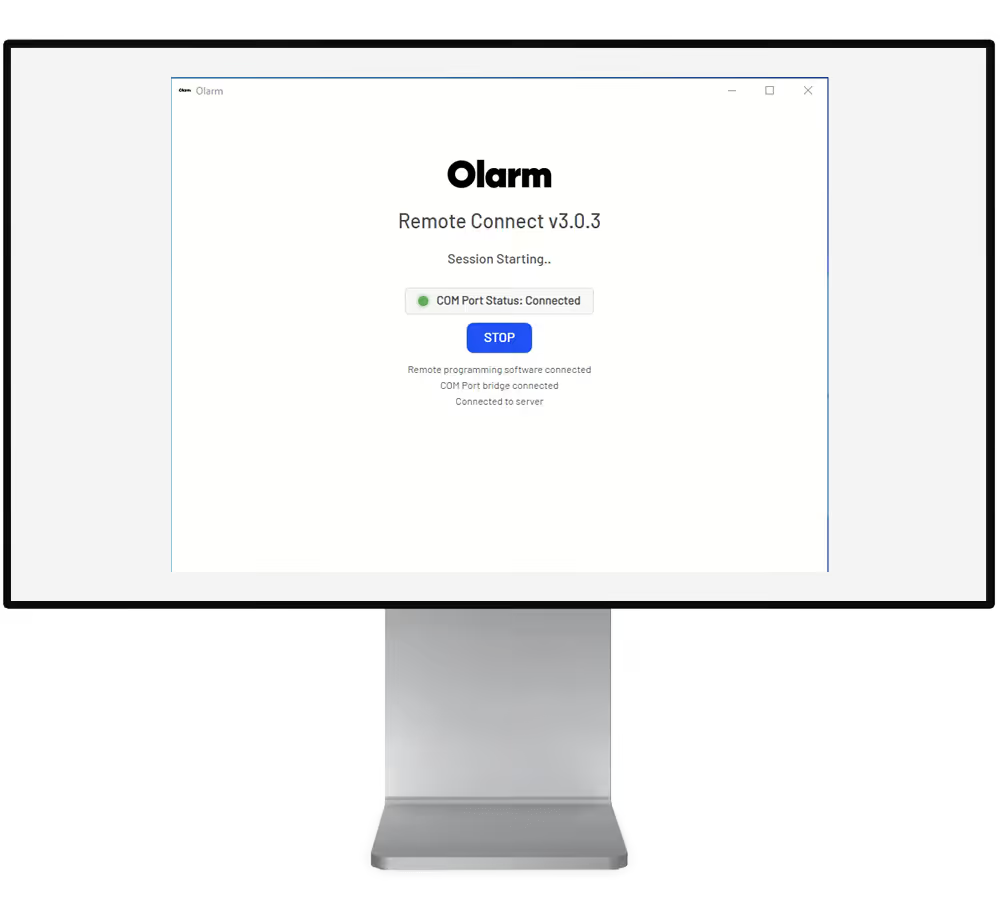
Olarm REMOTE CONNECT lets you open an Orisec UDL session to a customer's panel from the office, over the Olarm connection.
- No port forwarding or VPN. The session runs over Olarm MAX's own 4G and WiFi connection.
- One-time codes. Each session uses a code generated in Olarm COMMAND CENTRE.
- Every session logged, so you can see who connected to which site and when.
- Included for partners at no extra charge.
- Windows PC. REMOTE CONNECT runs on Windows, alongside Orisec UDL.
Change codes, zone names and timers, check the log and fault-find a zone without a site visit.
What the homeowner or business gets
- Set, unset and part set from the Olarm APP, with Face ID or fingerprint sign-in.
- Zone names synced from the panel, so alerts name the door or detector, and zones can be omitted in a tap.
- Push notifications and critical alerts for alarms and panics, even when the phone is on silent.
- Gate and garage control through the panel's outputs or Olarm MAX's own output.
- Cameras: link Hikvision, Dahua, Provision or other RTSP cameras to see what set off a zone.
- Separate users, including users with start and end dates for cleaners, staff and contractors.
- Several sites in one app, which suits shops, offices and landlords.
A connection that keeps working
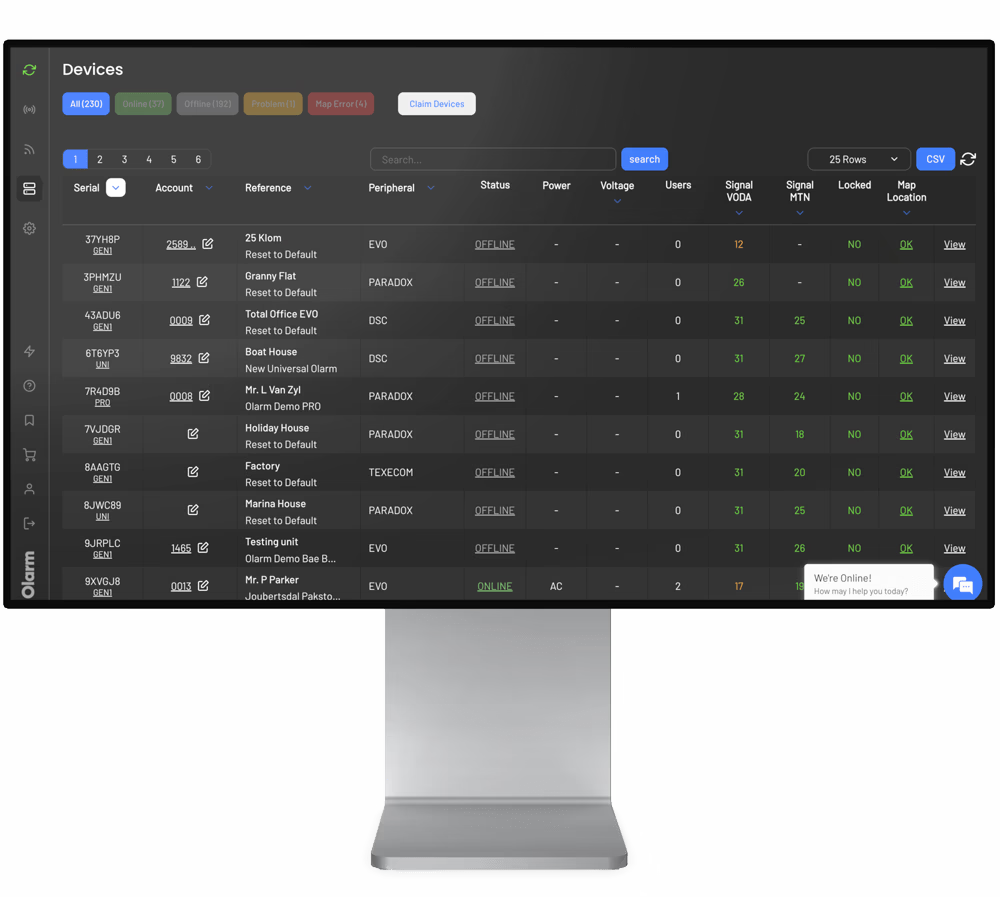
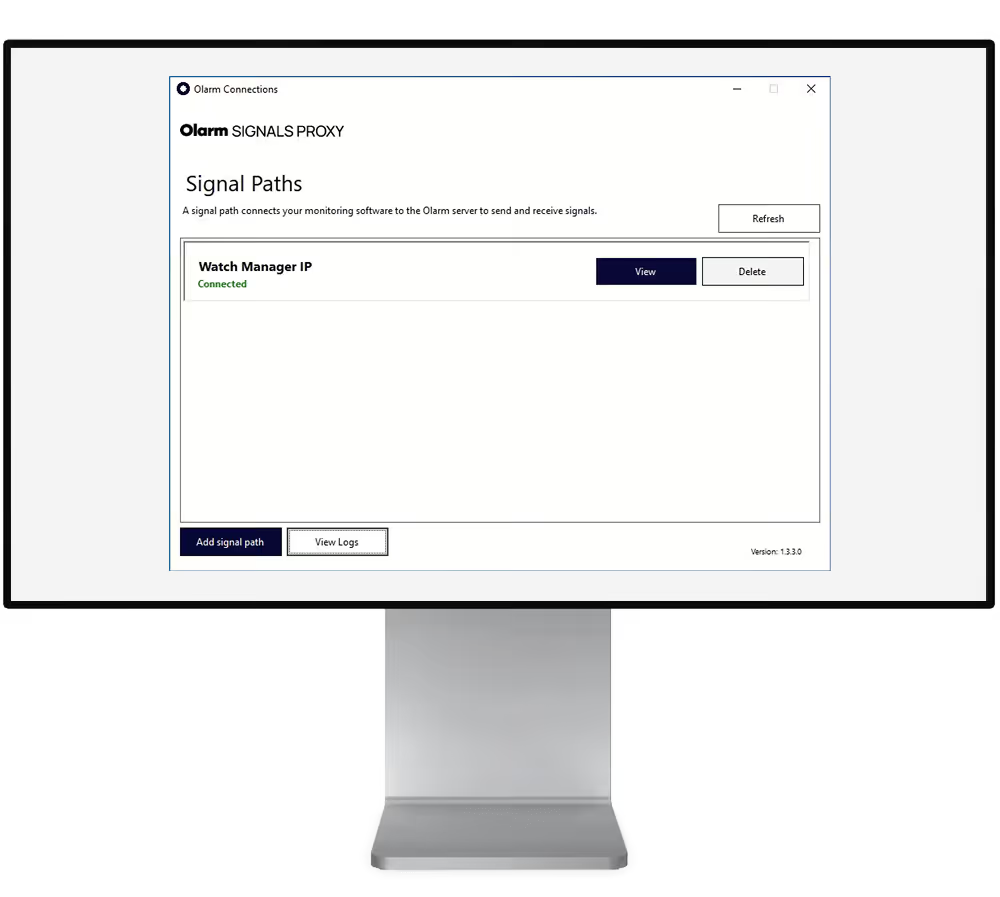
Olarm MAX uses dual-SIM 4G with WiFi backup, so the app and REMOTE CONNECT keep working when the broadband doesn't. A small built-in backup gives it time to send a final alert if its power is cut. For ARCs, signals can be delivered through Olarm SIGNALS PROXY, and every device can be managed from Olarm COMMAND CENTRE.
Frequently asked questions
Does Olarm work with Orisec?
Yes. Olarm MAX works with Orisec CP and ZP panels, with part set, zone name sync and gate control in the app.
Can I use Orisec UDL remotely?
Yes. Olarm REMOTE CONNECT carries Orisec UDL sessions over the Olarm connection, with no port forwarding.
Is REMOTE CONNECT an extra cost?
It's included with the Olarm partner programme at no extra charge.
Fit Olarm to your Orisec sites. Become an Olarm partner or see Olarm for Orisec.
Recent news
Orisec CP and ZP: app control and remote UDL with Olarm MAX

Texecom Premier and Premier Elite: app control and remote Wintex with Olarm MAX
